Basic Setup Procedures
User Manual Version 002 BRUKER BIOSPIN 69 (327)
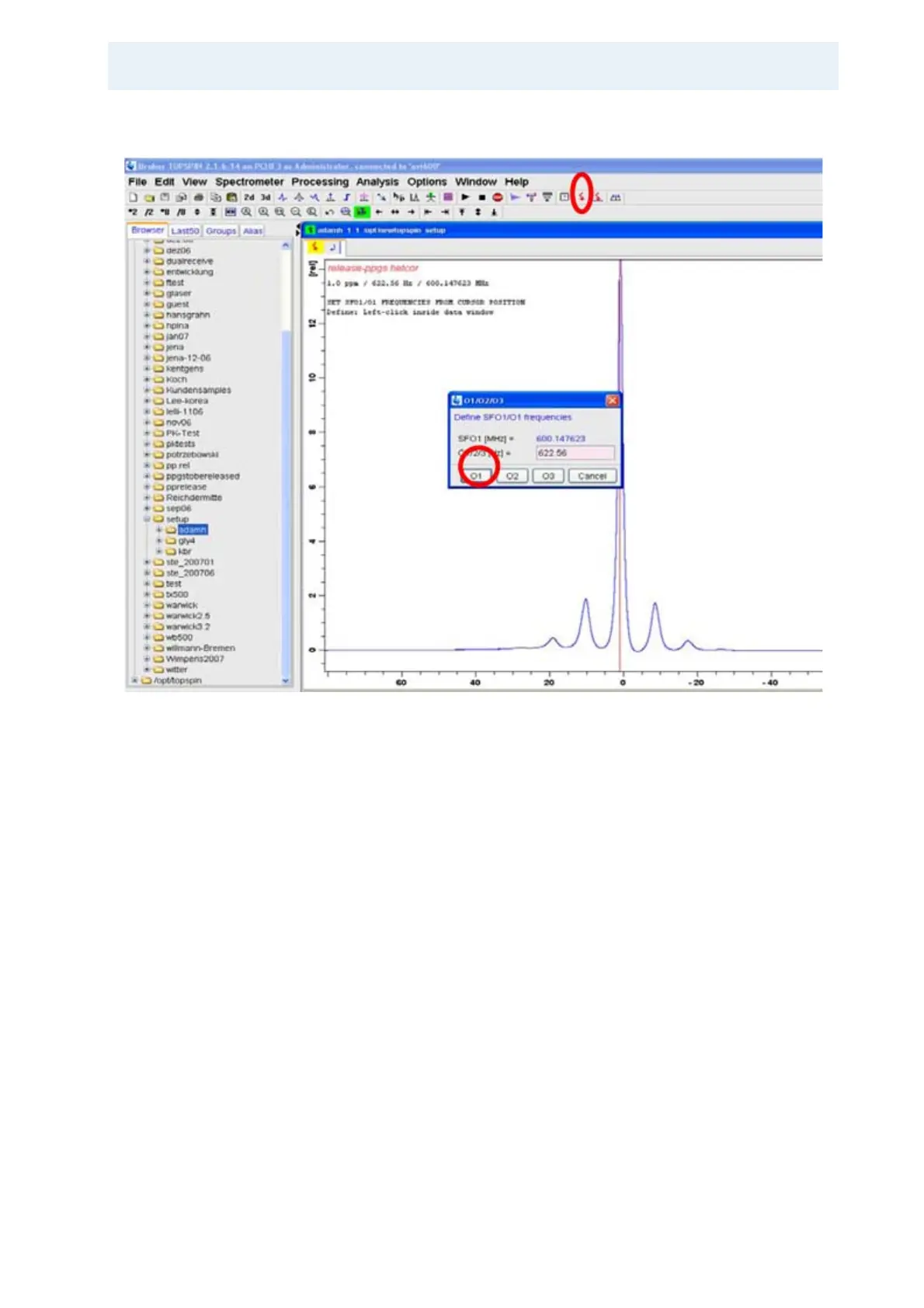
Figure 4.13. Setting the Carrier on Resonance
Click on the marked red arrow to set the observe frequency, set the position of the
cursor line, and left click on the o1 button. Acquire another spectrum, ft and
phase.
Then expand the spectrum around the adamantane proton signal including the
spinning sidebands by clicking on the left margin of the region of interest and pull
-
ing the mouse to the right margin of the region of interest as shown in the follow-
ing figure:


 To Next Page