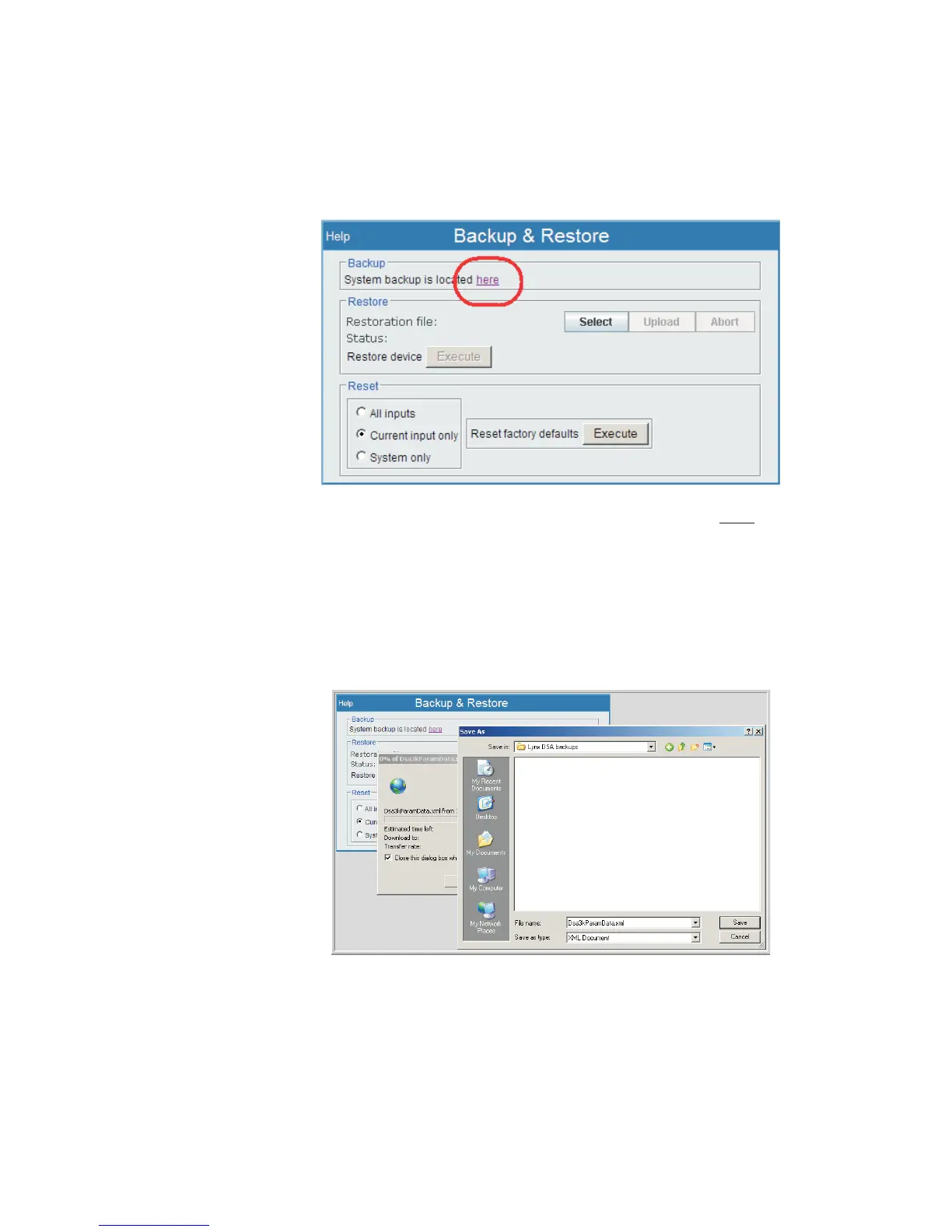
A Backup file is created by doing the following:
•
Right-click the mouse over the here link to create a Backup file.
• A popup window will appear so you may open or save the data. Do NOT
choose 'open'.
• Choose Save Target As. You will get a Save As page like in Figure 102.
•
Choose the location on your drive or network to store the Backup to, rename the
file if you wish, and save the file. The Save As windows will close once the
backup file is saved.
User’s Manual 133
Backup and Restore | Backup Maintenance
Figure 101 - Obtaining Backup of Lynx Parameters using here link
Figure 102 - Choose Destination for the Backup File



 To Next Page