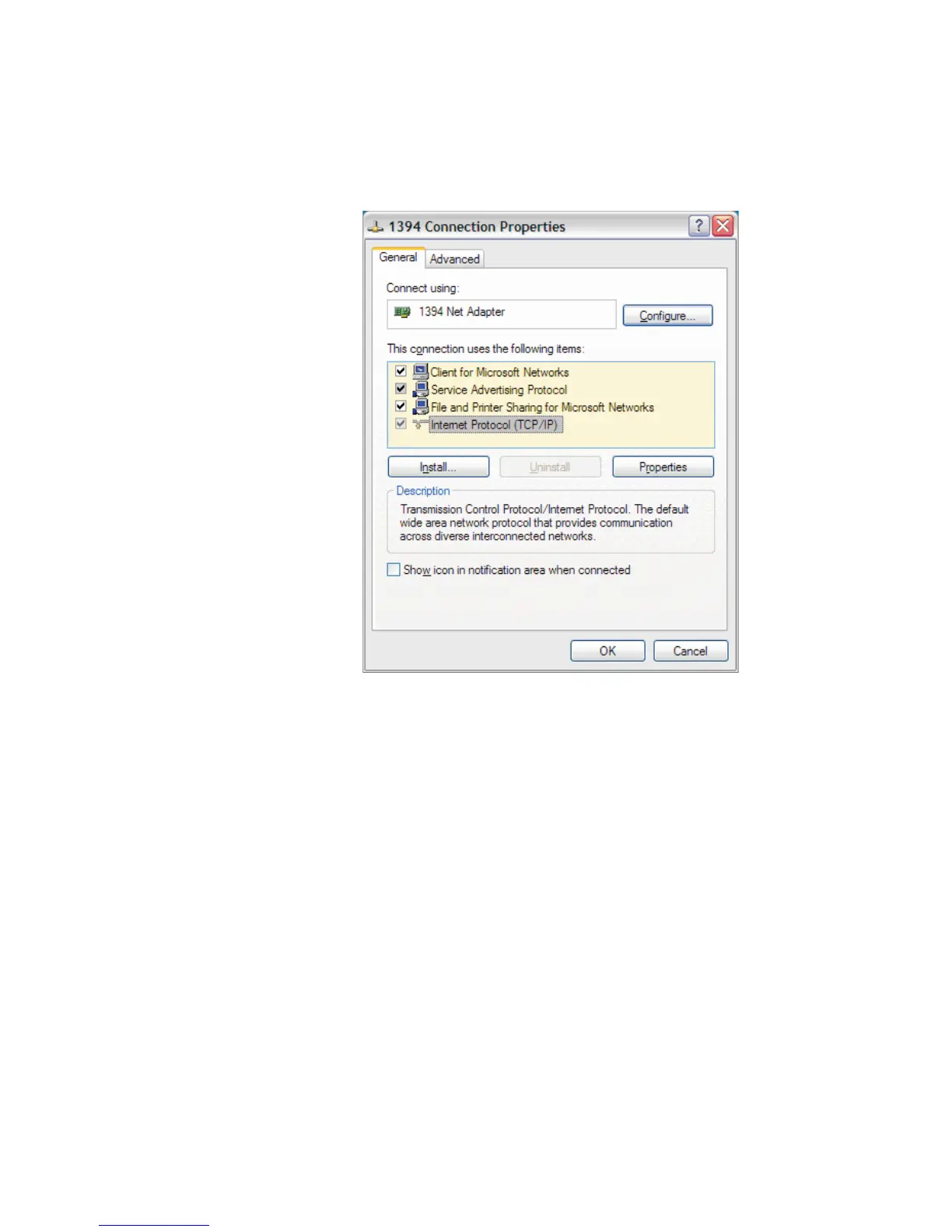
11.
Highlight the TCP/IP and select Properties. The Internet Protocol
Properties page opens. This sets up the client side (e.g., your PC's end) of
the USB connection to some otherwise-unused address.
12.
Select the General tab, and select the button Use the following IP
address and enter the following settings.
–
IP = 10.0.0.10
–
Subnet = 255.255.255.0
–
All other entries are blank.
Note
The 10.0.0.10 setting assumes that you don't have any other device on your
network currently set to this IP address. If you do, choose any other valid set
-
ting within your subnet mask range (1-255) but use 11 or higher, as the lower
numbers are most likely already assigned for some purpose.
For example, if 10.0.0.10 conflicts, change your entry to 10.0.0.11 or
10.0.0.15, or 10.0.0.27, etc.
User’s Manual 167
Setting Up a USB Connection
Figure 111 - Setting RNDIS Adapter Properties



 To Next Page