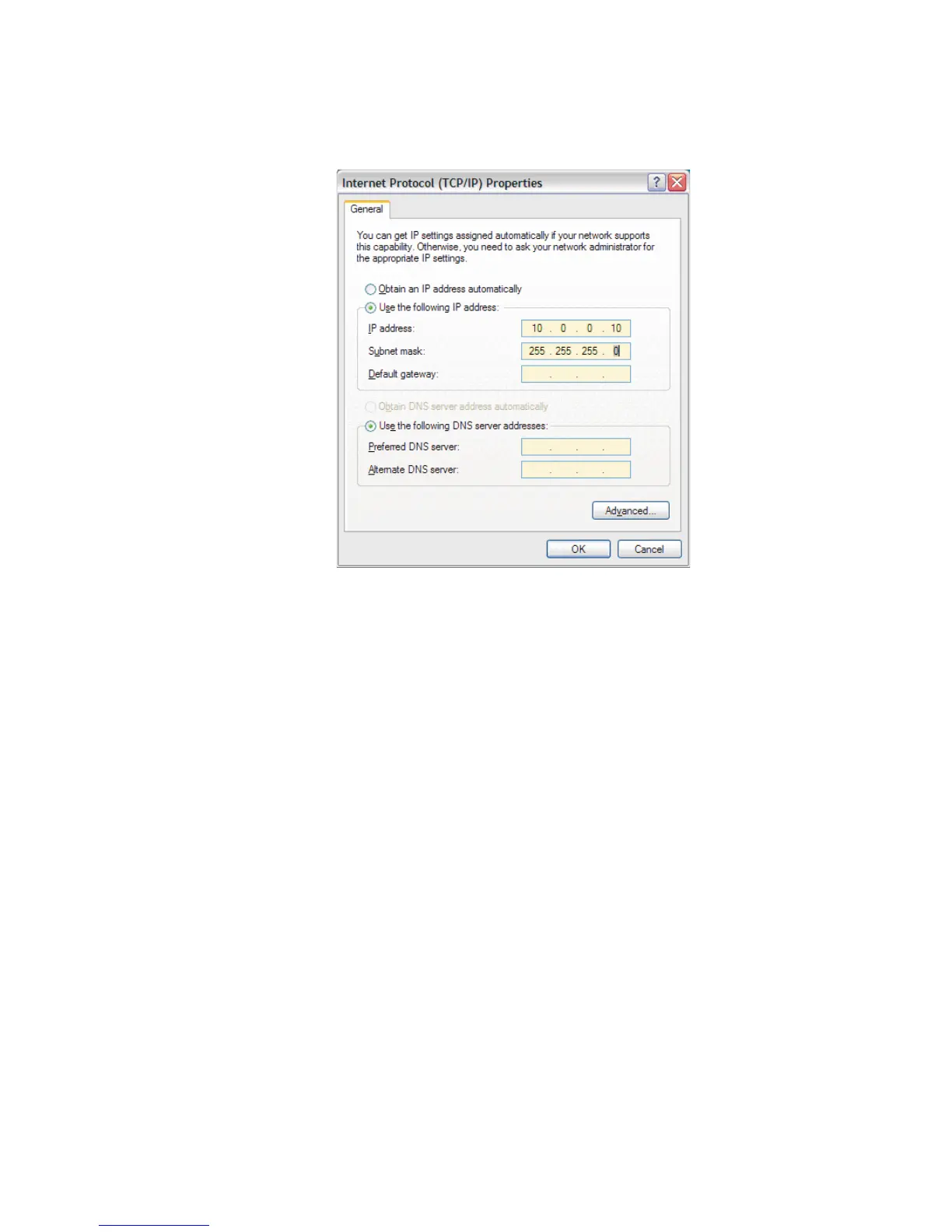
Press OK when done. You're done and may close any open windows.
When the address has been assigned, you'll be able to access the web site using the
USB connection's static address (10.0.0.2) from your Internet browser.
Note The USB connection is not Java-compliant, so the Digital Oscilloscope is not
available via USB, and the spectrum display is a not a 'real-time' Java image.
This completes the settings and configuration for a USB connection to the Lynx.
Verify the USB Connection
To verify the USB connection, and to access the Lynx system.
•
disconnect your Ethernet cable connection, if it is connected (just a test)
•
connect the USB cable from your PC to the Lynx, and
•
select your Internet Browser.
•
In the URL line, type in 10.0.0.2, and press Enter to connect.
You should see the Lynx Log In menu, and you should be able to log in, etc.
Appendix B - Communications Setup
168 Lynx™ Digital Signal Analyzer
Figure 112 - IP Parameters for USB Setup - on RNDIS Adapter



 To Next Page