Compute using your Data
7.)
Select the Compute button to calculate the Energy calibration and
coefficients.
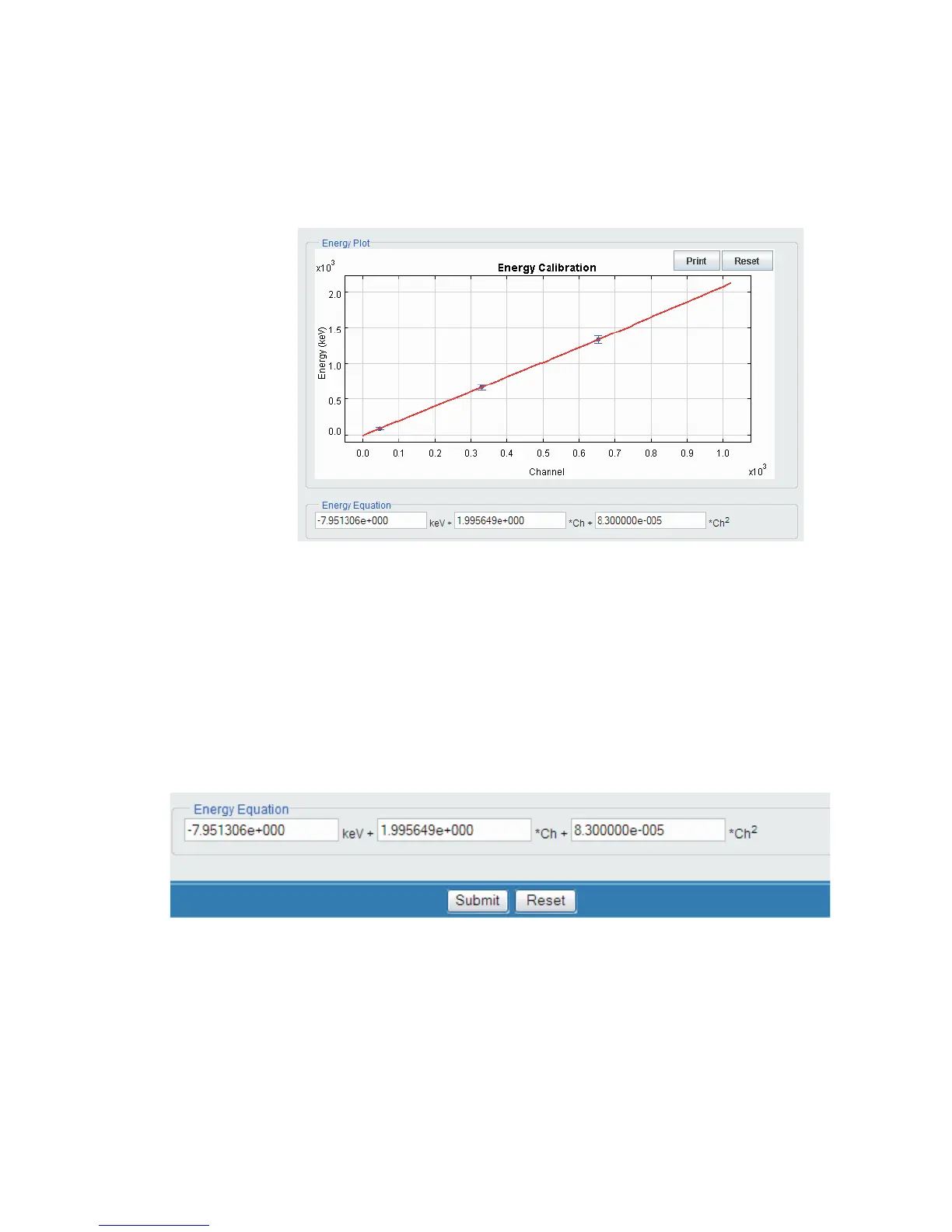
The Energy Equation plot appears as a result of your data input.
Saving the Energy Equation and Coefficients
8.)
Press the Submit button to save the configuration for the Input selected.
User’s Manual 13
Sample Energy Calibration
Figure 11 - Energy Equation
Figure 12 - Submit to Save the Energy Equation and Coefficients



 To Next Page