6d.)
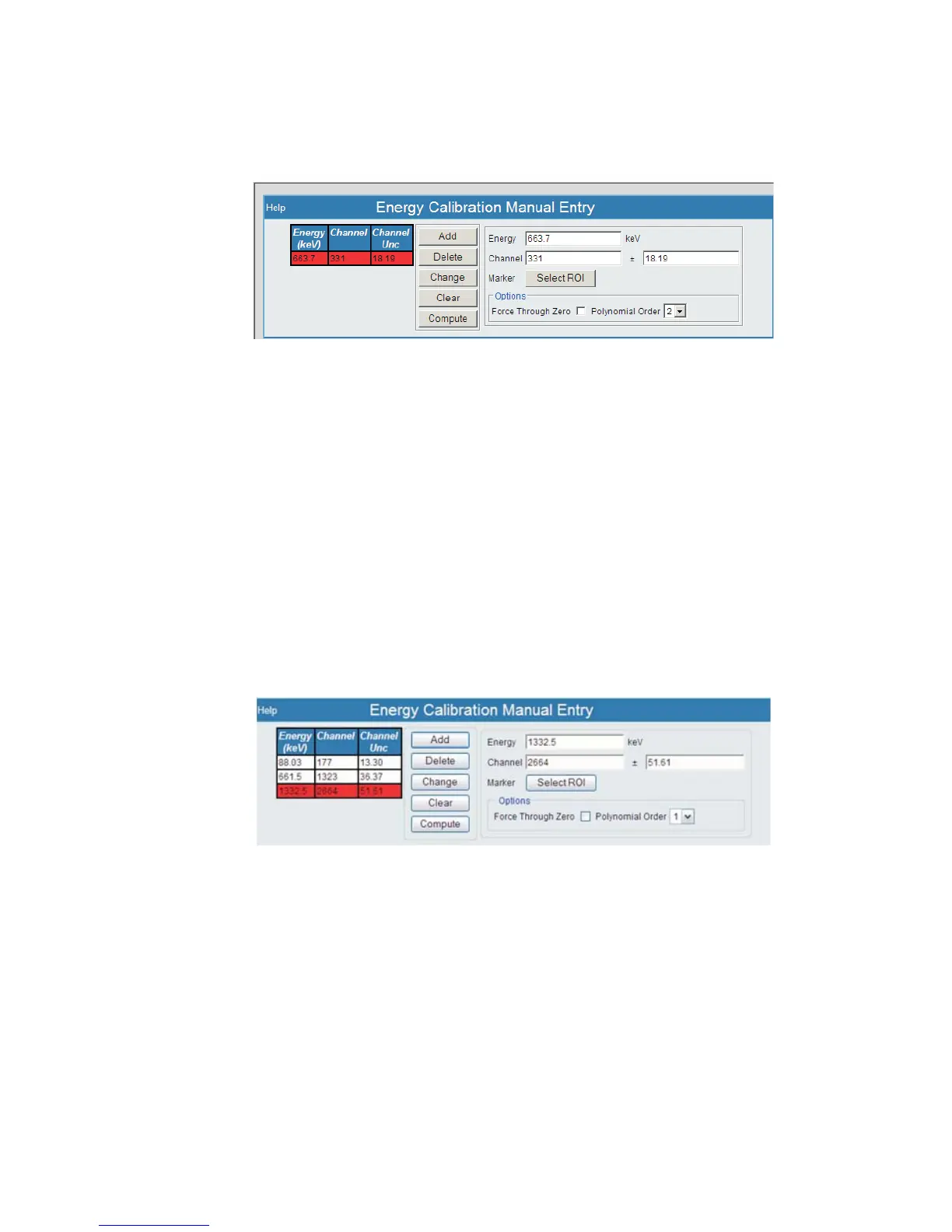
Now, select the Add button to add the desired energy and ROI data to the list
of Peaks.
Your new value will then appear under the Energy list to the left of this pane. It will
appear in 'red' indicating that this is a new parameter, and still needs to be submitted.
Repeat this process for each energy peak to ensure linearity in your Energy calibration
(low + high energy 2 pt calibration).
Repeat Steps 6a) through 6d) until you have entered your data points.
6e.)
The List of peak energies to be used in the Energy - Channel Entry list is
now complete.
Chapter 1 - Introduction
12 Lynx™ Digital Signal Analyzer
Figure 9 - Your Energy Value has been Added
Figure 10 - List of Energies



 To Next Page