6b.)
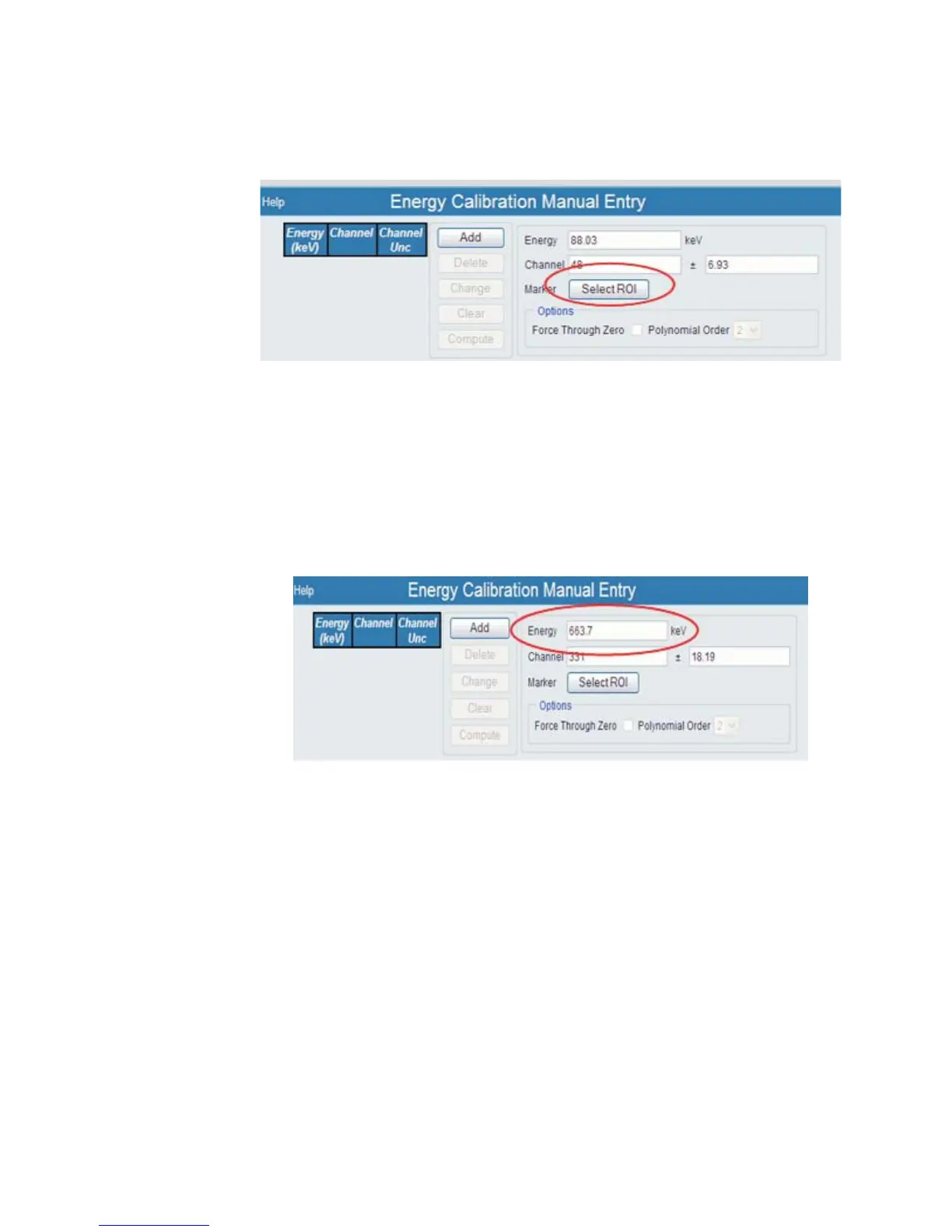
Now you want to set your marker, selecting the Region of Interest. Press
the Select ROI button.
6c.) Next, using the data from the acquisition, enter in the correct Energy value.
Again, this was 663.7 keV from this example, as seen back in Figure 6.
Enter this value into the Energy field on the Energy Calibration Manual Entry
page.
User’s Manual 11
Sample Energy Calibration
Figure 7 - Selecting the ROI
Figure 8 - Enter the Energy Value



 To Next Page