v 2.0 — March 2023 Altanium Delta5
124 Network Share
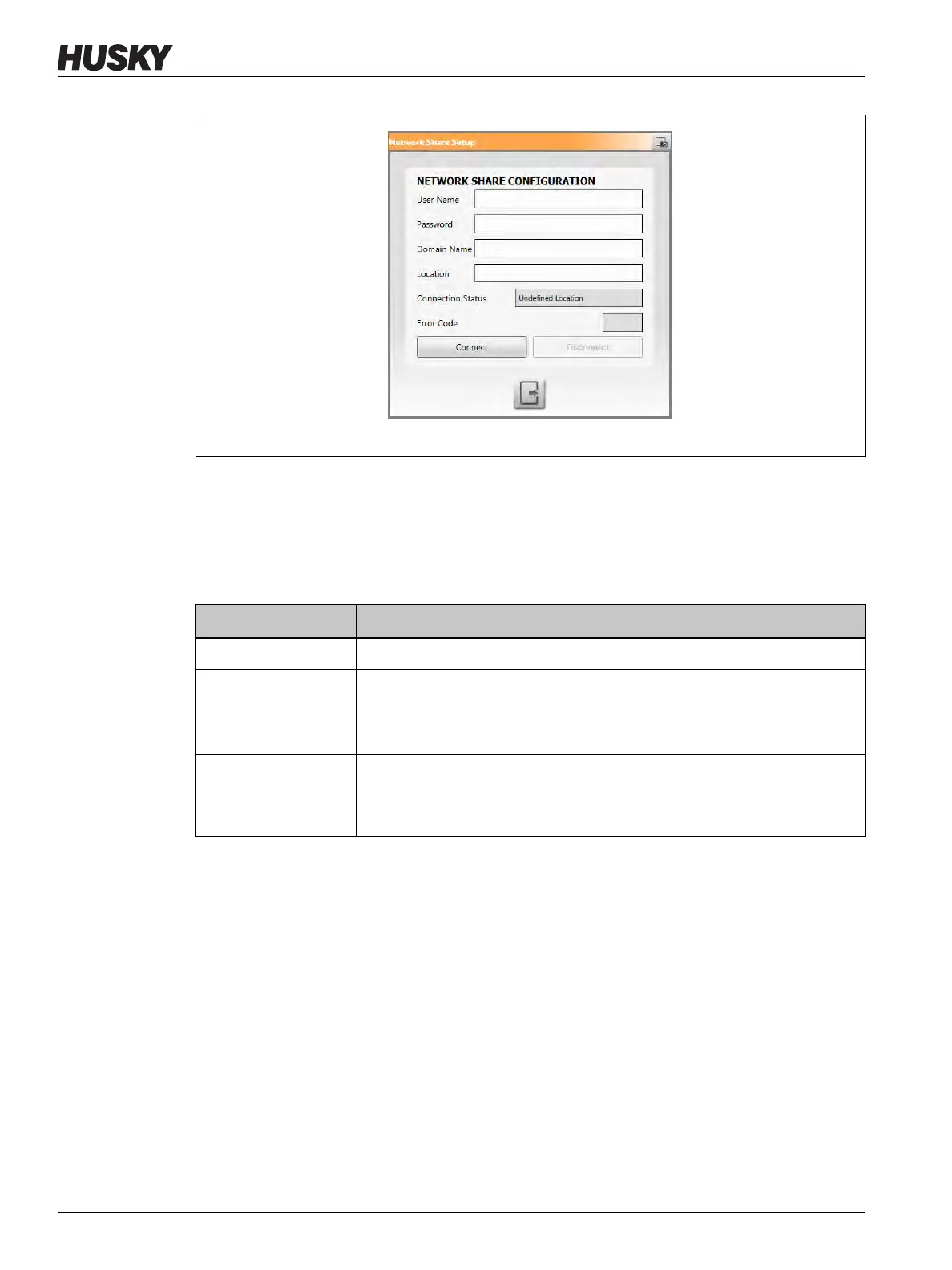
On the Network Share Configuration dialog, you can enter the network path for the shared
network folder to upload or download files to and from the controller, in the format:
\\server\shared folder.
Table 10-3 gives a description of the fields and buttons used to connect to a network share.
Figure 10-8 Network Share Configuration Dialog
Table 10-3 Network Configurations
Item Description
User Name The user account name used to connect to a network share.
Password The password used to connect to a network share.
Domain Name
(Optional)
The name of the domain that the network share is on.
Location The UNC path that specifies the server name and shared folder on a
network.
Example: \\companyserver\shared



 To Next Page