v 2.0 — March 2023 Altanium Delta5
188 Set the Trend Plot
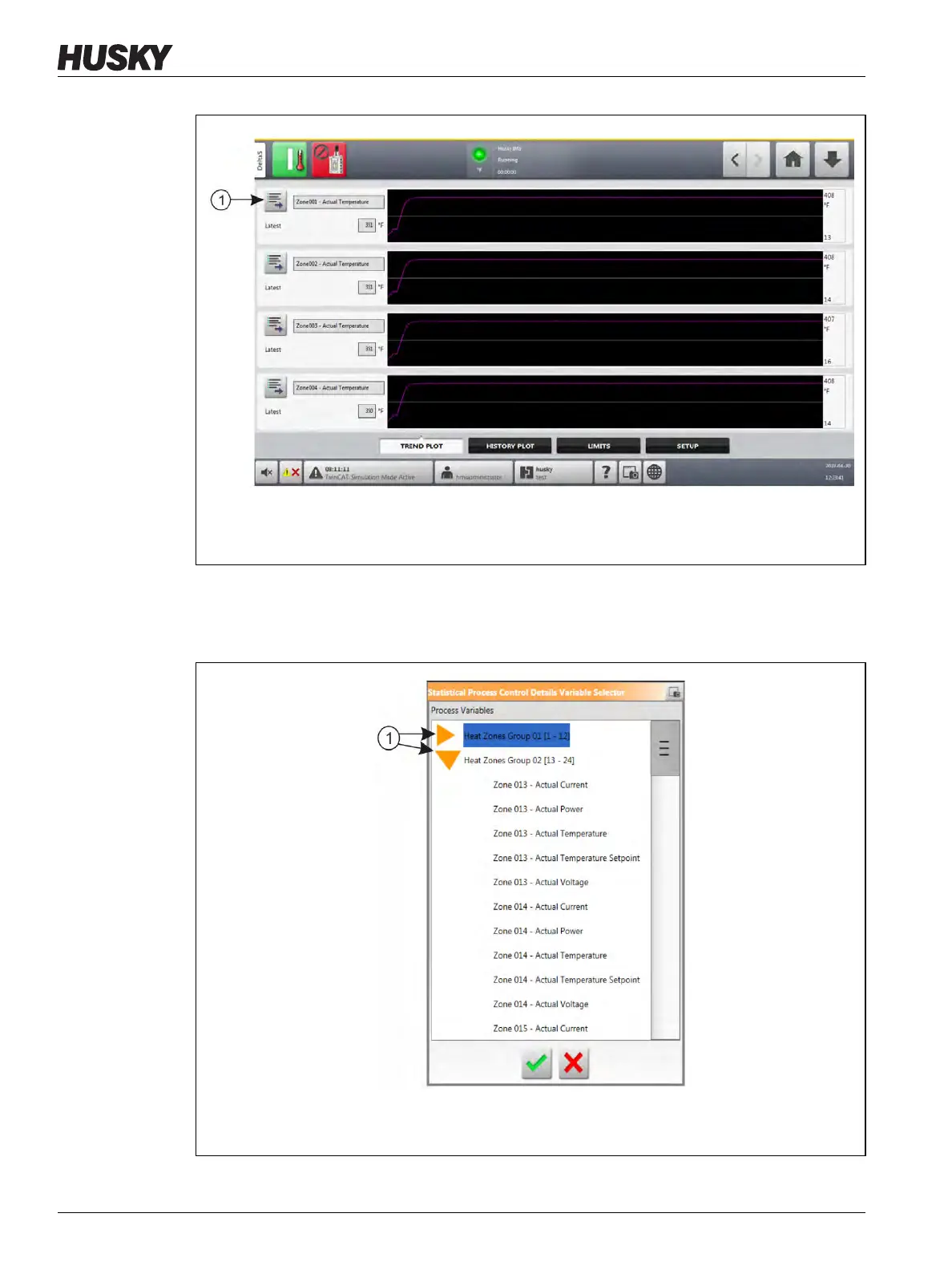
3. Touch the Variable Selection button.
The Statistical Process Control Details Variable Selector dialog window shows. Refer to
Figure 12-2.
Figure 12-1 Trend Plot Screen
1. Variable Selection Button
Figure 12-2 Statistical Process Control Details Variable Selector Dialog Window
1. Minimize/Maximize Buttons



 To Next Page