v 2.0 — March 2023 Altanium Delta5
194 Process Limits Screen
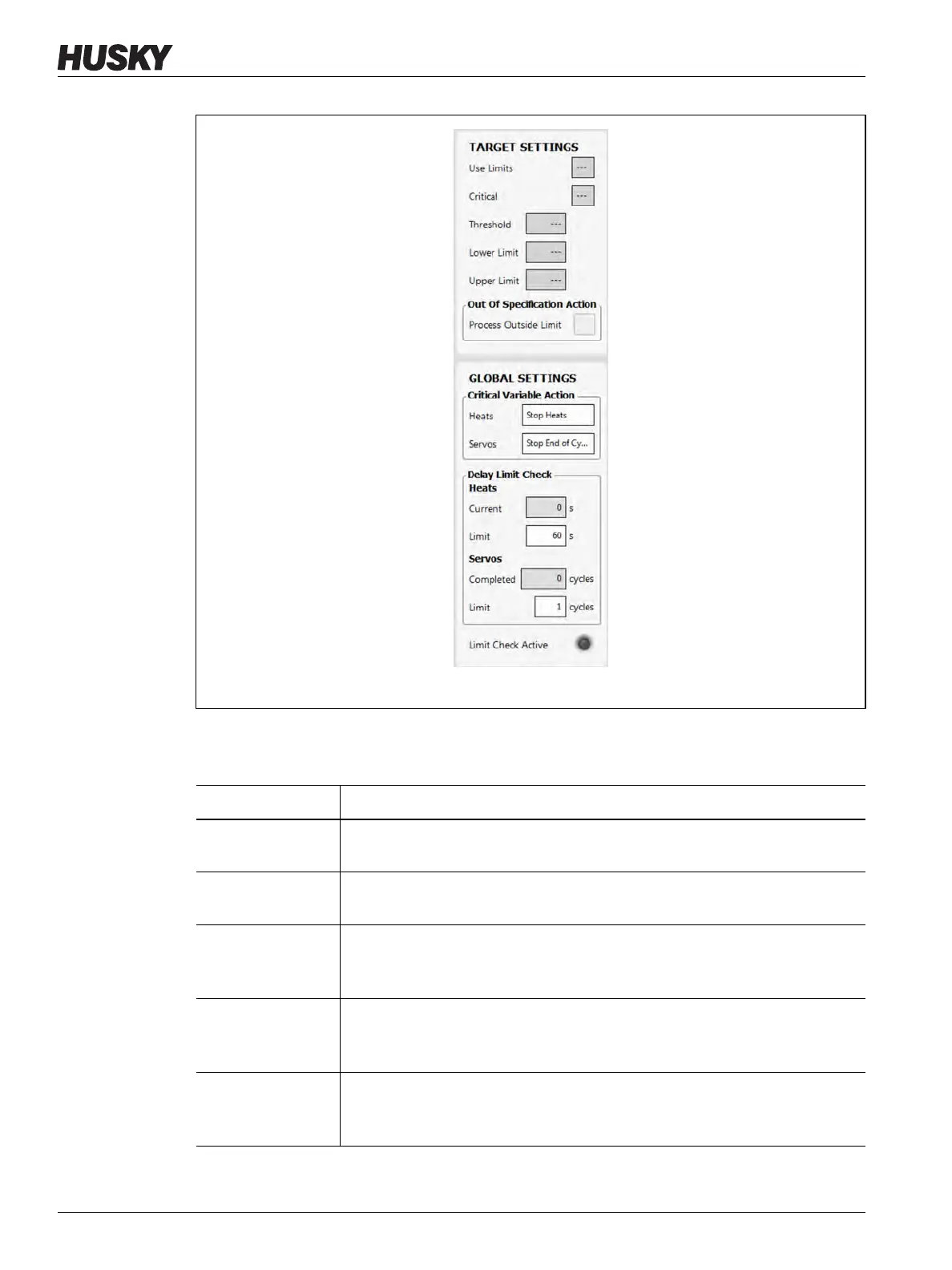
The process Limits screen settings and information fields are described in Table 12-3.
Figure 12-7 Target and Global Settings
Table 12-3 Process Limits Screen Fields
Limit Definition
Use Limits Select the Use Limits checkbox and the Altanium controller will trigger an
alarm if the process variable is not in the lower and upper limits.
Critical The controller could stop if the process variable is not in the lower and upper
limits. To do this action, select the Process Outside Limit checkbox.
Threshold Limit The number of times that the value must be outside of the lower and upper
limit before there is an alarm or the system stops. The action is configured in
the Global Settings panel of the screen.
Lower Limit The lowest value the process variable value can be at before there is an “out
of specification” alarm or the system stops. The action is configured in the
Global Settings panel of the screen.
Upper Limit The highest value the process variable value can be at before there is an “out
of specification” alarm or the system stops. The action is configured in the
Global Settings panel of the screen.



 To Next Page