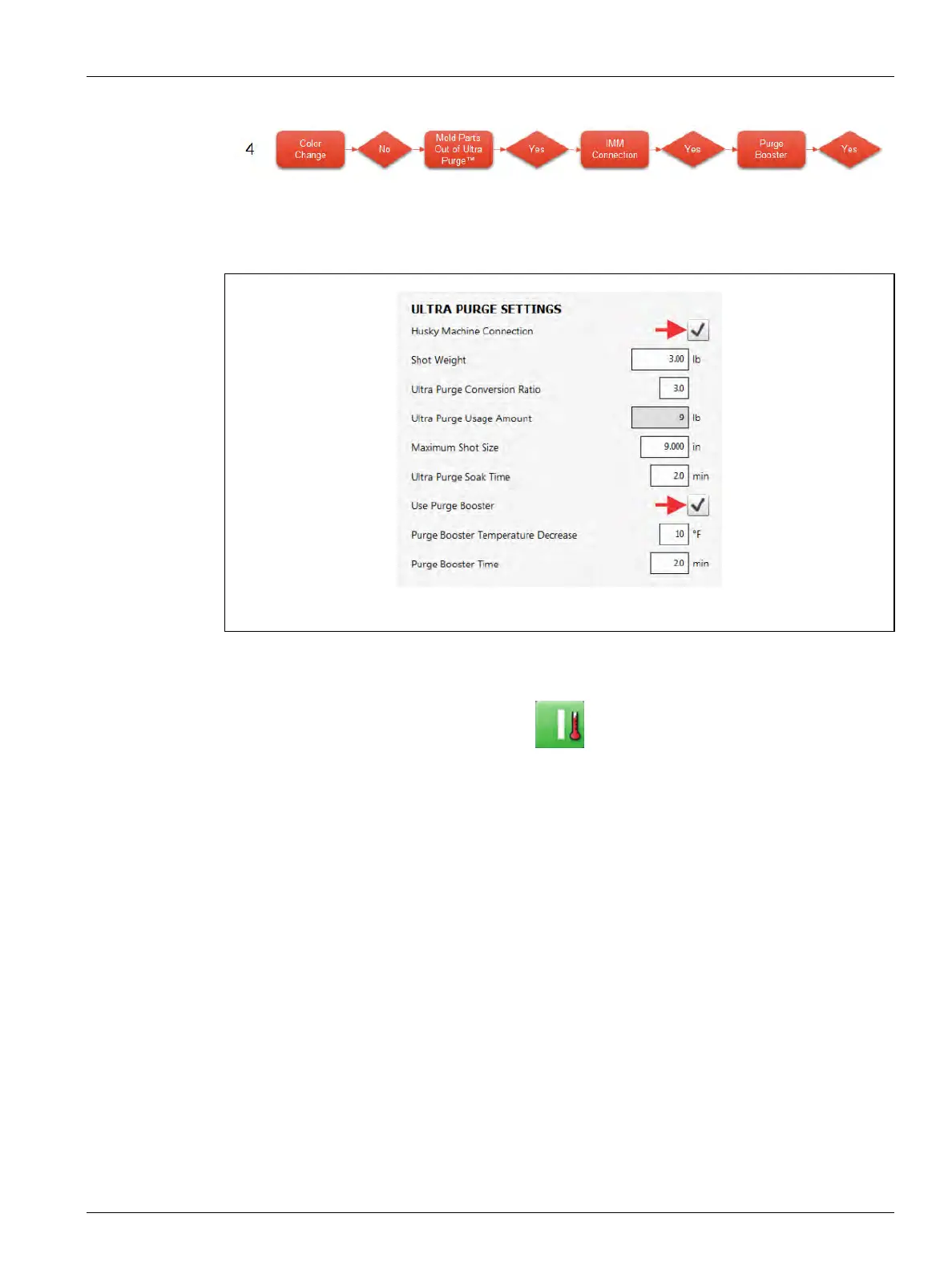
No Color Change Example 235
User Guide v 2.0 — March 2023 Color Change
1. Configure the settings in the Ultra Purge Settings panel for the resin that you will use.
2. Touch the Husky Machine Connection and Use Purge Booster checkboxes, so the
check marks show (refer to Figure 13-39).
3. Touch the system Start button, if necessary.
4. Wait for the system status to show Running mode, if necessary.
5. Touch the Ultra Purge Sequence panel Start button.
Figure 13-39 Enable Husky Machine Connection and Use Purge Booster



 To Next Page