No Color Change Example 239
User Guide v 2.0 — March 2023 Color Change
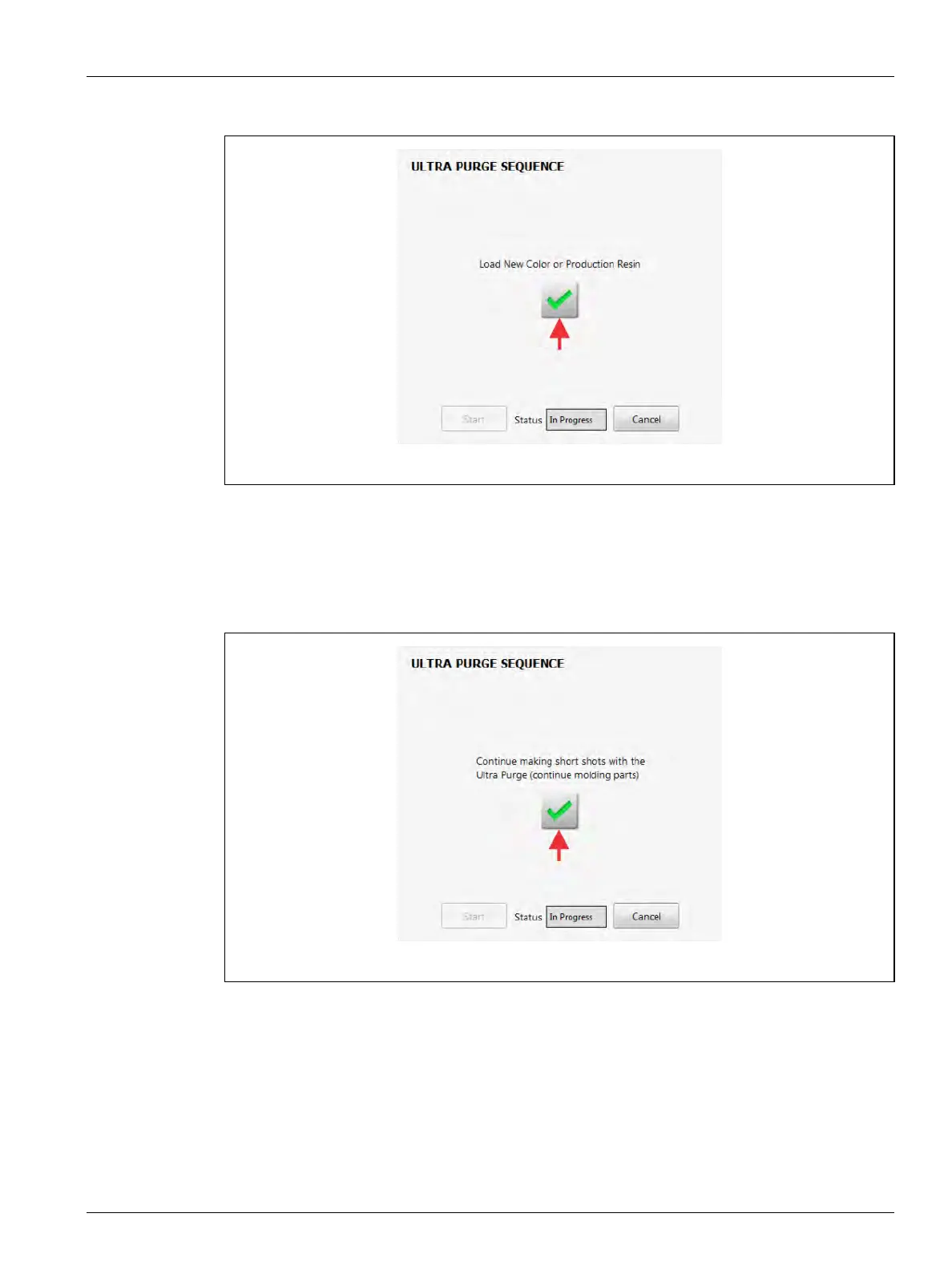
13. Load the new production resin into the IMM (Figure 13-46).
14. Continue to do short injection shots with the Ultra Purge.
NOTE: This helps flush the Ultra Purge and bring the new production resin to the hot
runners.
15. Touch the green check mark when injection shots contain the new production resin
(refer to Figure 13-47).
Figure 13-46 Load New Color or Production Resin
Figure 13-47 Continue to Do Short Injection Shots with Ultra Purge



 To Next Page