v 2.0 — March 2023 Altanium Delta5
242 No Color Change Example
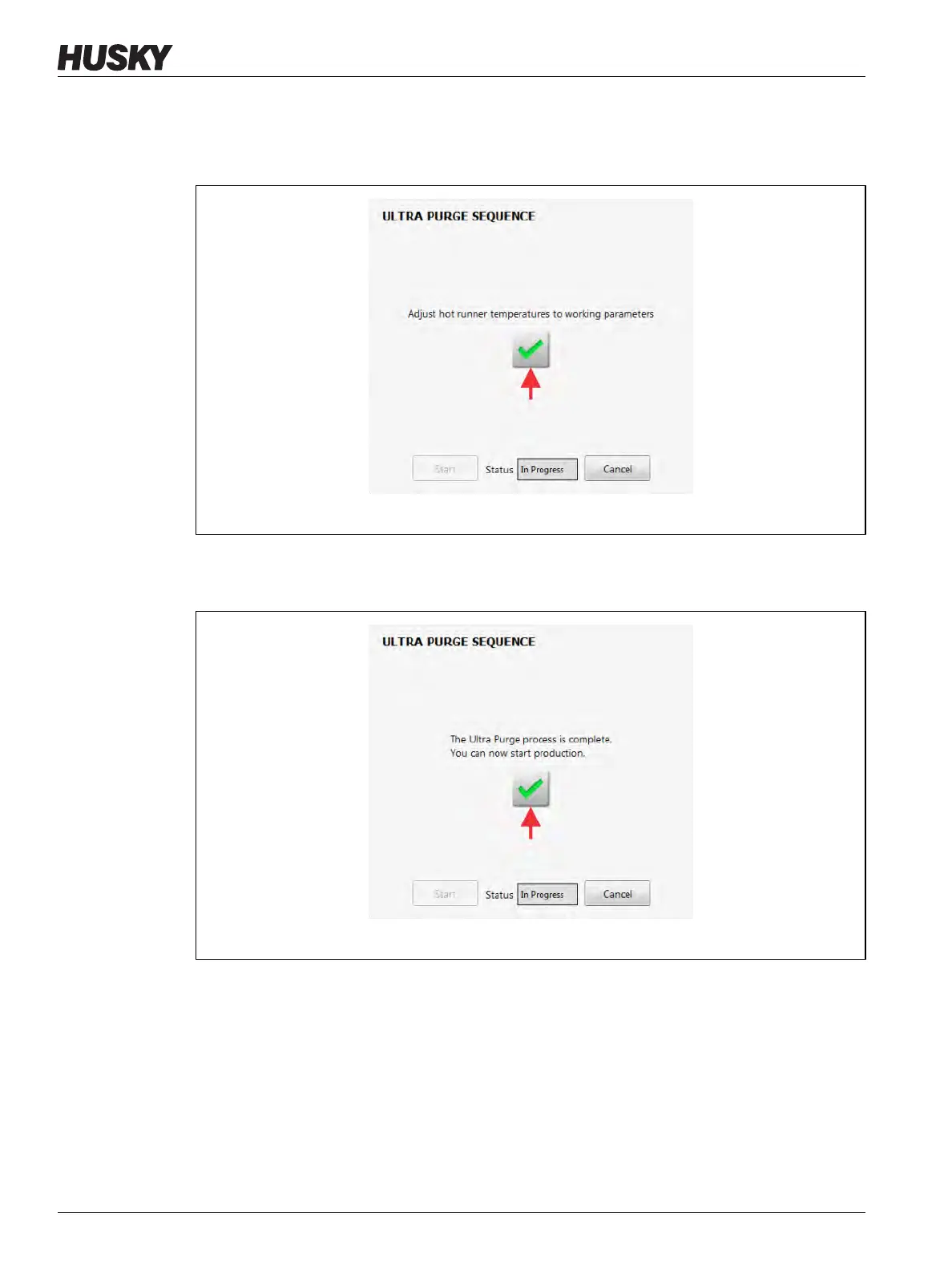
21. Adjust the hot runners’ temperatures to their operational parameters.
22. When the temperatures are at their parameter settings, touch the green check mark
button to continue (refer to Figure 13-52).
23. Touch the green check mark button to complete the Ultra Purge process (Figure 13-53).
You can start production with the new resin.
Figure 13-52 Ultra Purge Process Completed
Figure 13-53 Ultra Purge Process Completed



 To Next Page