v 2.0 — March 2023 Altanium Delta5
36 Set User Roles
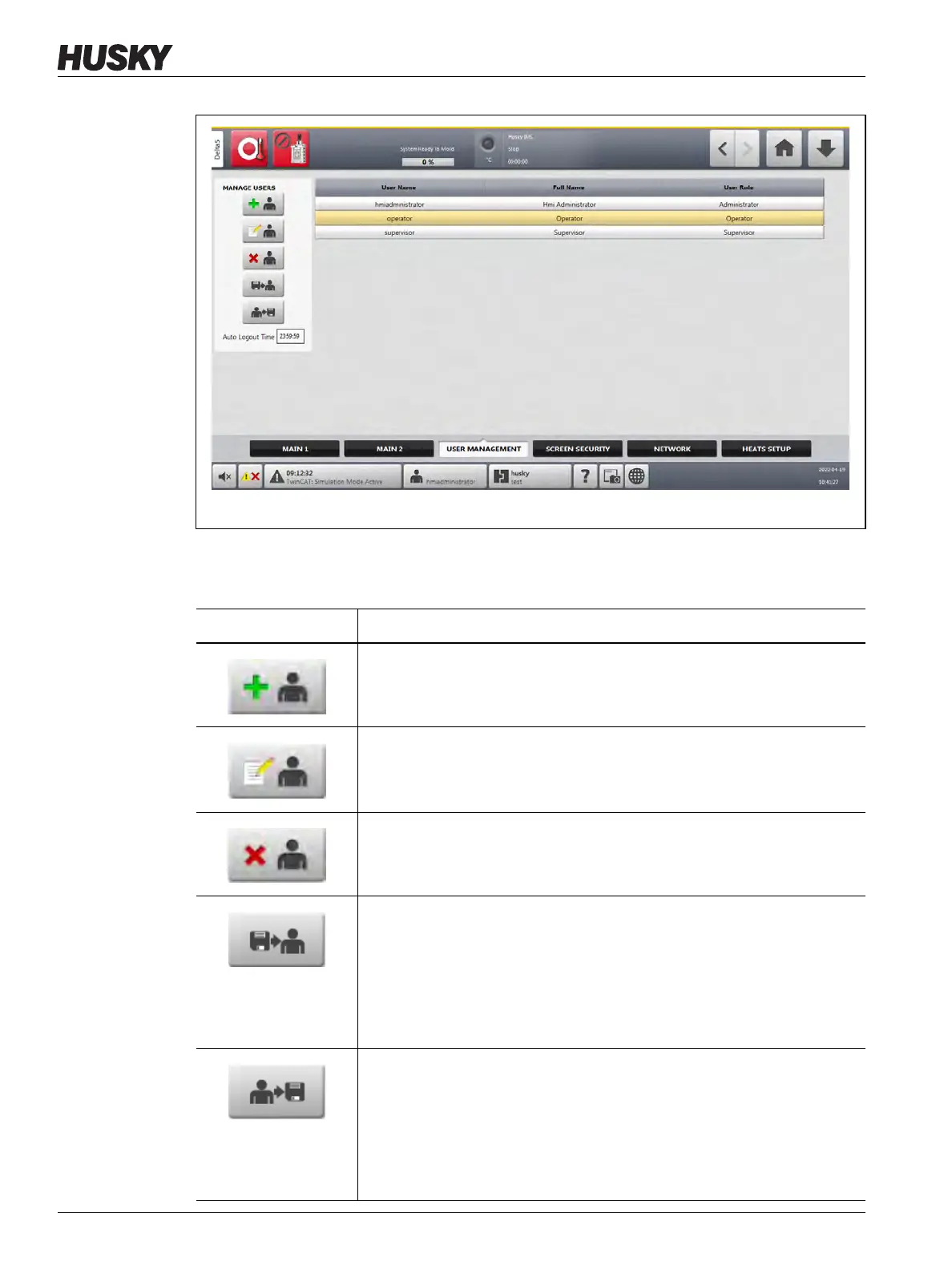
4. Touch one of the buttons described in Table 5-2 to manage users.
Figure 5-1 User Management Screen
Table 5-2 Manage Users Roles
Button Description
Add User
Used to add a user to the system.
Change User Settings
Used to edit a name, password, or user role for a selected user.
Delete User
Used to remove a user from the system.
Import User Profile
Opens a dialog window to import a user profile.
A USB drive must be used for this operation. A user profile is first saved
(exported) from a controller onto the USB drive. The USB drive is then
installed on a different controller and the user profile is imported from the
drive onto the that controller.
Export User Profile
Opens a dialog to export a user profile.
A USB drive must be used for this operation. A user profile is first saved
(exported) from a controller onto the USB drive. The USB drive is then
installed on a different controller and the user profile is imported from the
drive onto the that controller.



 To Next Page