v 2.0 — March 2023 Altanium Delta5
56 Multi Group View Screen
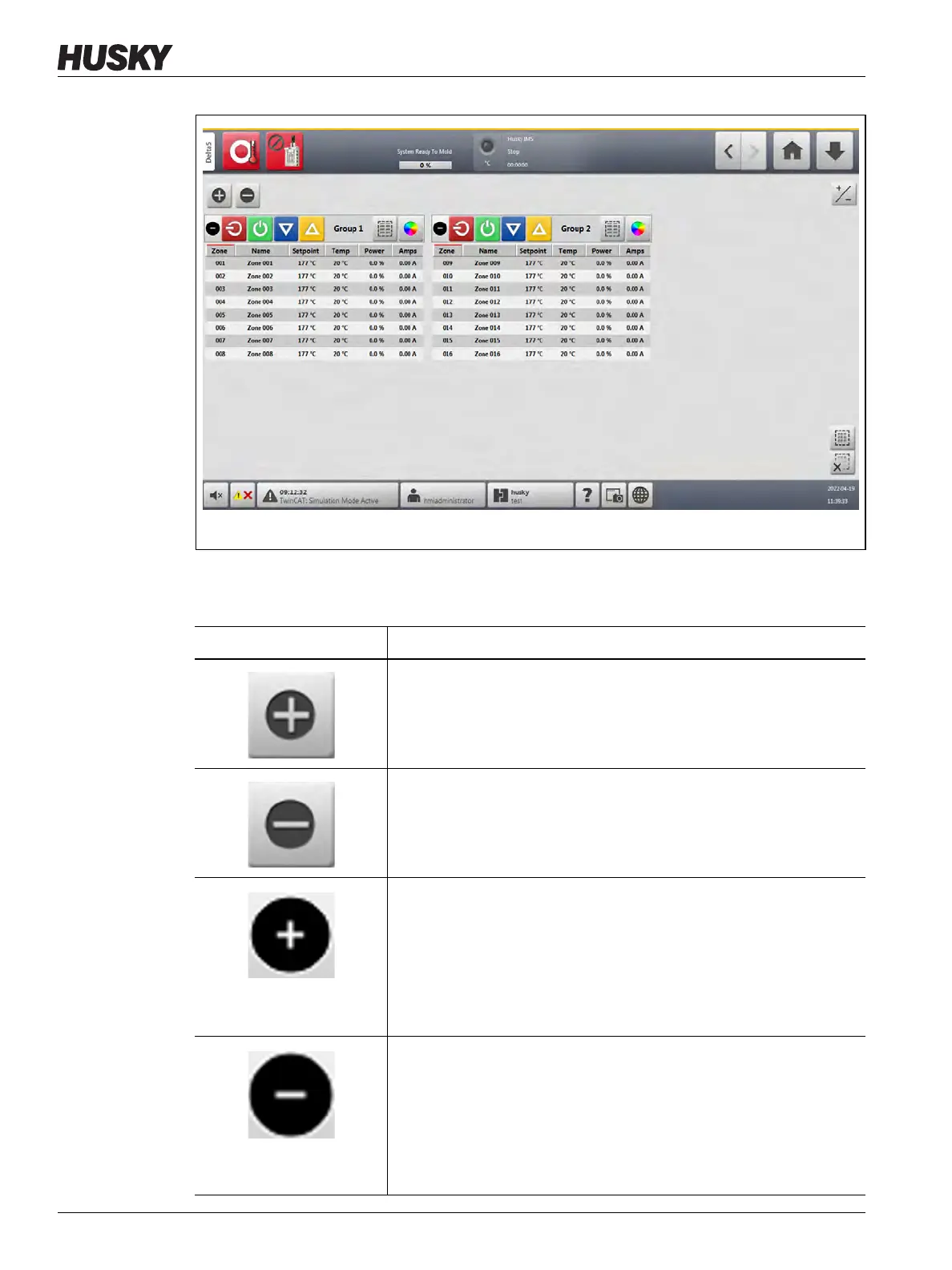
The buttons on the Multi Group View screen are described in Table 7-1.
Figure 7-3 Multi Group View Screen
Table 7-1 Multi Group View Screen Buttons
Button Description
Expand All Group Information Lists
Used to expand all group information lists.
Minimize All Group Information Lists
Used to minimize all group information lists.
Expand Related Group Information Lists
Used to expand the related group information list.
If this button is green, the actual temperature for all zones is within the
lower alarm limit.
If this button is black, the actual temperature for all zones is not within
the lower alarm limit.
Minimize Related Group Information Lists
Used to minimize the related group information list.
If this button is green, the actual temperature for all zones is within the
lower alarm limit.
If this button is black, the actual temperature for all zones is not within
the lower alarm limit.



 To Next Page