Gocator Line Profile Sensors: User Manual
Gocator Web Interface • 209
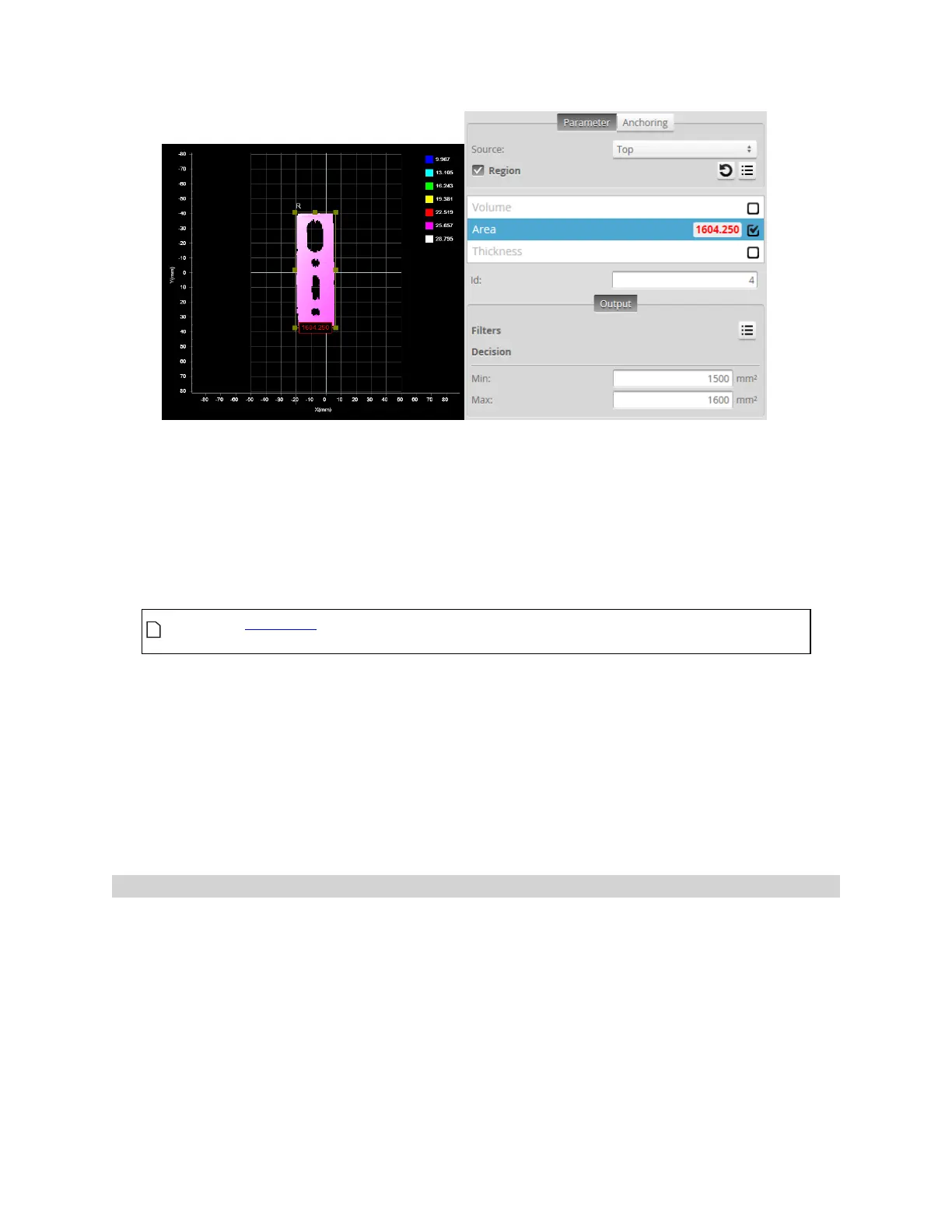
Value (1604.250) outside decision thresholds (Min: 1500, Max: 1600). Decision: Fail
Along with measurement values, decisions can be sent to external programs and devices. In particular,
decisions are often used with digital outputs to trigger an external event in response to a measurement.
See Output on page 433 for more information on transmitting values and decisions.
To configure decisions:
1. Go to the Measure page by clicking on the Measure icon.
The scan mode must be set to the type of measurement you need to configure.
Otherwise, the wrong tools, or no tools, will be listed on the Measure page.
2. In the Tools panel, click on a tool in the tool list.
3. In the measurement list, select a measurement.
To select a measurement, it must be enabled. See Enabling and Disabling Measurements on page 216
for instructions on how to enable a measurement.
4. Click on the Output tab.
For some measurements, only the Output tab is displayed.
5. Enter values in the Min and Max fields.
Filters
Filters can be applied to measurement values before they are output from the Gocator sensors.


 To Next Page
 Loading...


