Proceed as follows:
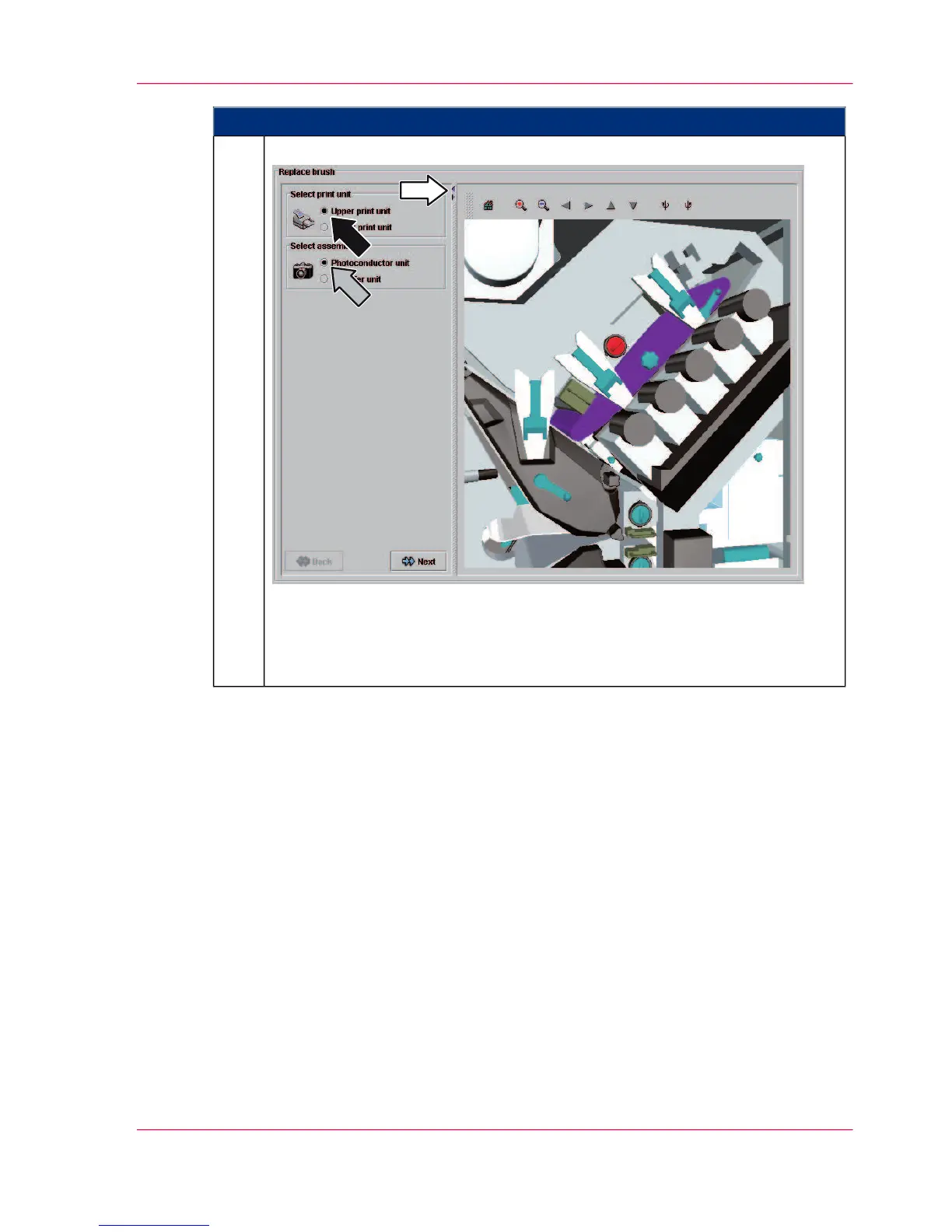
Select a print unit and an assembly, e.g.
In the printer view, the selected consumable or expendable is highlighted in
color.
The printer view can also be completely hidden or shown by clicking the arrow
icons.
2.
Chapter 5 - Working with the Operator Panel 135
Editing 'Replace consumables' menus on the operator panel



 To Next Page