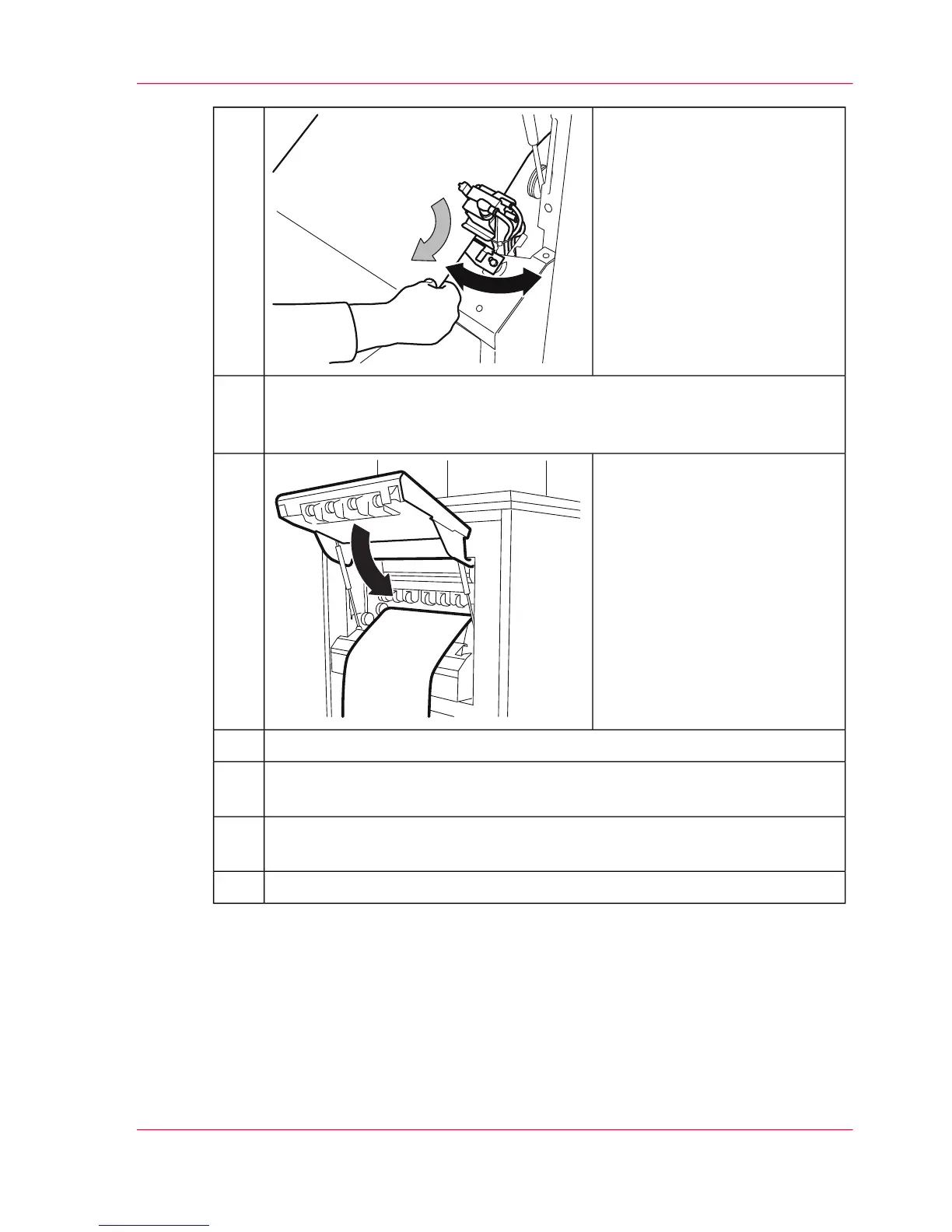
Insert the paper web below the
data integrity sensor:
■
Open the angle bracket.
■
Insert the paper web below
the data integrity sensor. Ob-
serve the mark.
■
Close the angle bracket.
11.
If a paper web with a different width has been inserted, check the position of
the pressure rollers in the paper output (see ‘Adjusting the Pressure Rollers’ on
page 148).
12.
Close the paper output flap.13.
To move the paper web forward, press the 'ADVF' button.14.
If necessary, synchronize the paper path (see ‘Synchronizing the Paper Path’ on
page 150).
15.
If necessary, paste the paper web to the post print processing unit or insert it
into the post print processing unit and make operational.
16.
Press the 'Ready' key.17.
Chapter 6 - Operating the Printing System 147
Inserting the Paper Web



 To Next Page