To Remove the Developer Station from the Developer Station Shelf
#
Proceed as follows:
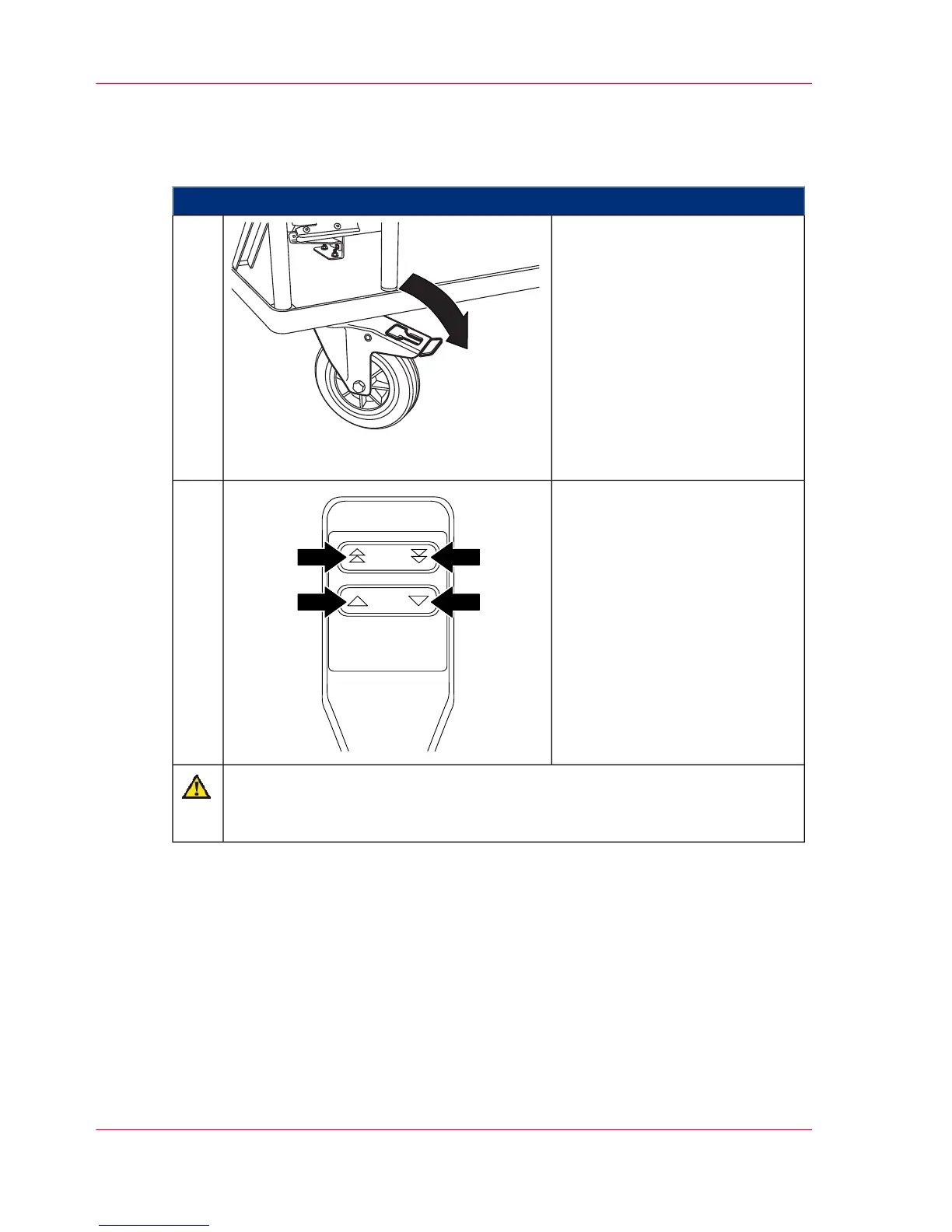
Push both brake brackets of the
developer station shelf down-
wards.
1.
Align the maintenance cart at a
right angle to the developer sta-
tion shelf and move the hoisting
lift of the maintenance cart to
the height of the developer sta-
tion.
2.
Caution
Observe height and alignment of the hoisting lift
The hoisting lift mandrel must be carefully inserted up to the stop point.
Chapter 6 - Operating the Printing System184
Removing the Developer Station from the Developer Station Shelf



 To Next Page