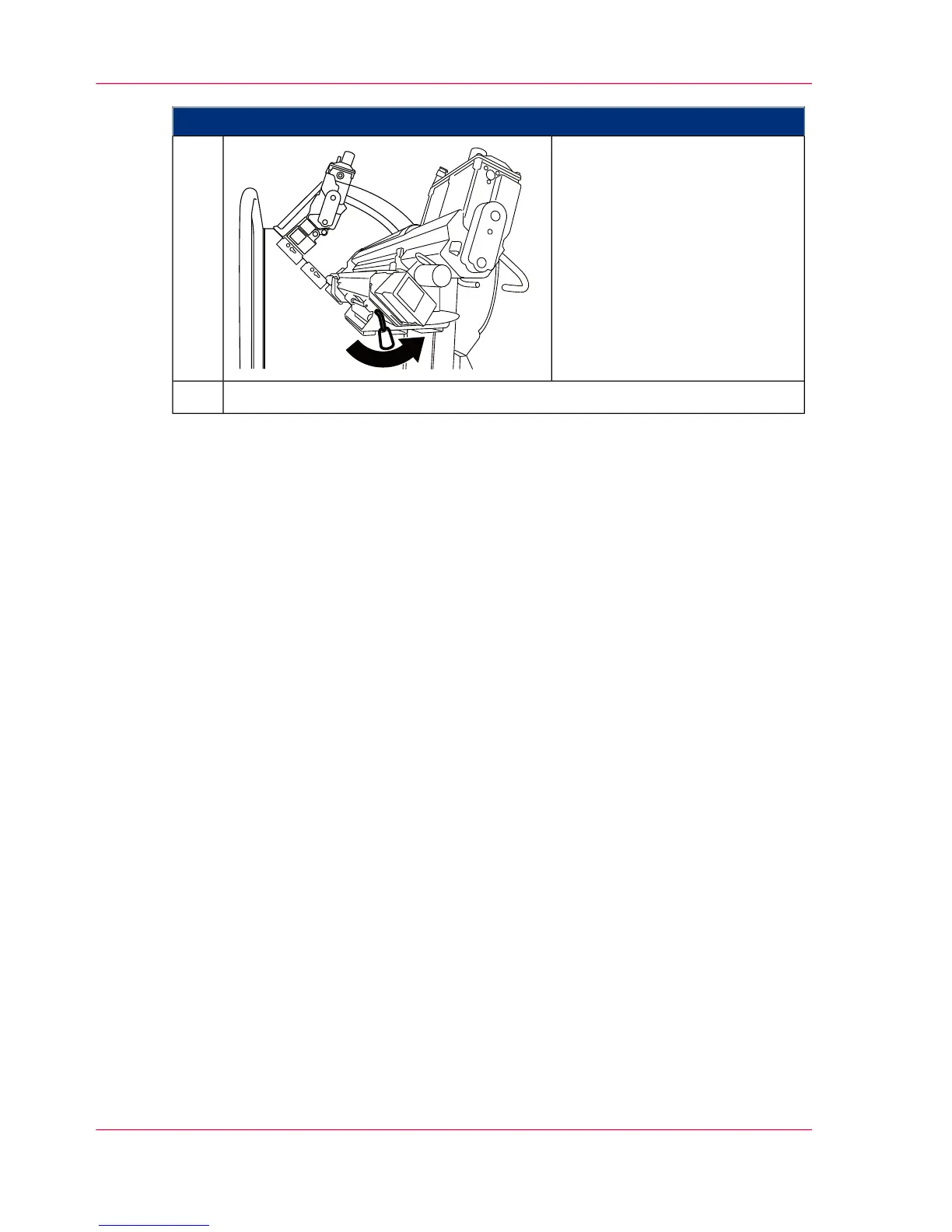
Proceed as follows:
Detach the brake bracket of the
maintenance cart, unlock the
hoisting lift and move the main-
tenance cart as far from the devel-
oper station shelf as is necessary
to prevent any collision between
the developer station and the
developer station shelf during
operation.
6.
‘Installing the developer station’ on page 189.7.
Chapter 6 - Operating the Printing System186
Removing the Developer Station from the Developer Station Shelf



 To Next Page