Proceed as follows:
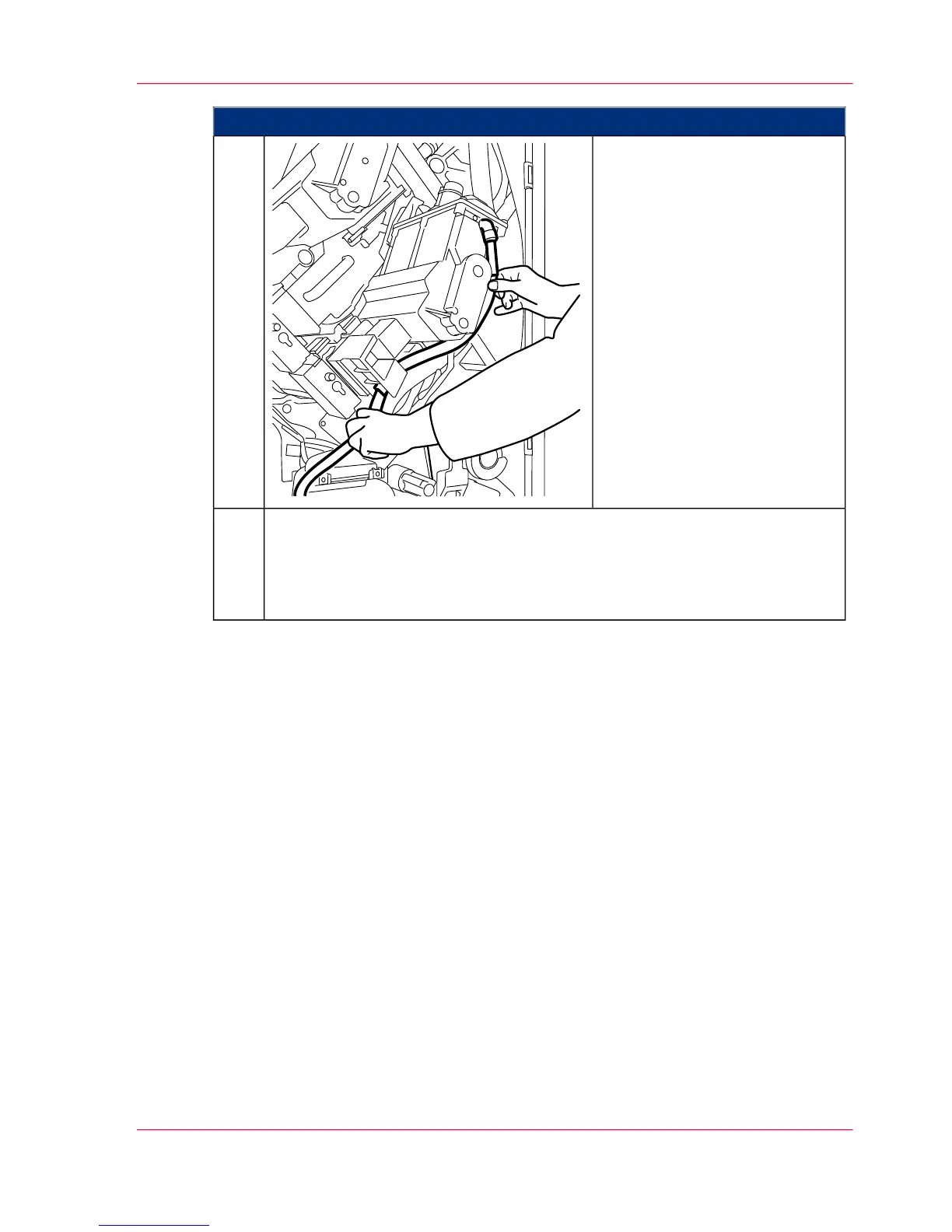
Remove the toner feed hose from
the parking tube, insert it into
the two mountings and attach it
to the developer station.
If the developer station is cooled
via a cooling air tube, reconnect
the tube to the developer station.
8.
■
If an additional developer station is to be replaced: ‘Removing the developer
station’ on page 171.
■
If all necessary developer stations have been replaced: ‘Completing developer
station replacement’ on page 198.
9.
Chapter 6 - Operating the Printing System 193
Installing the developer station



 To Next Page