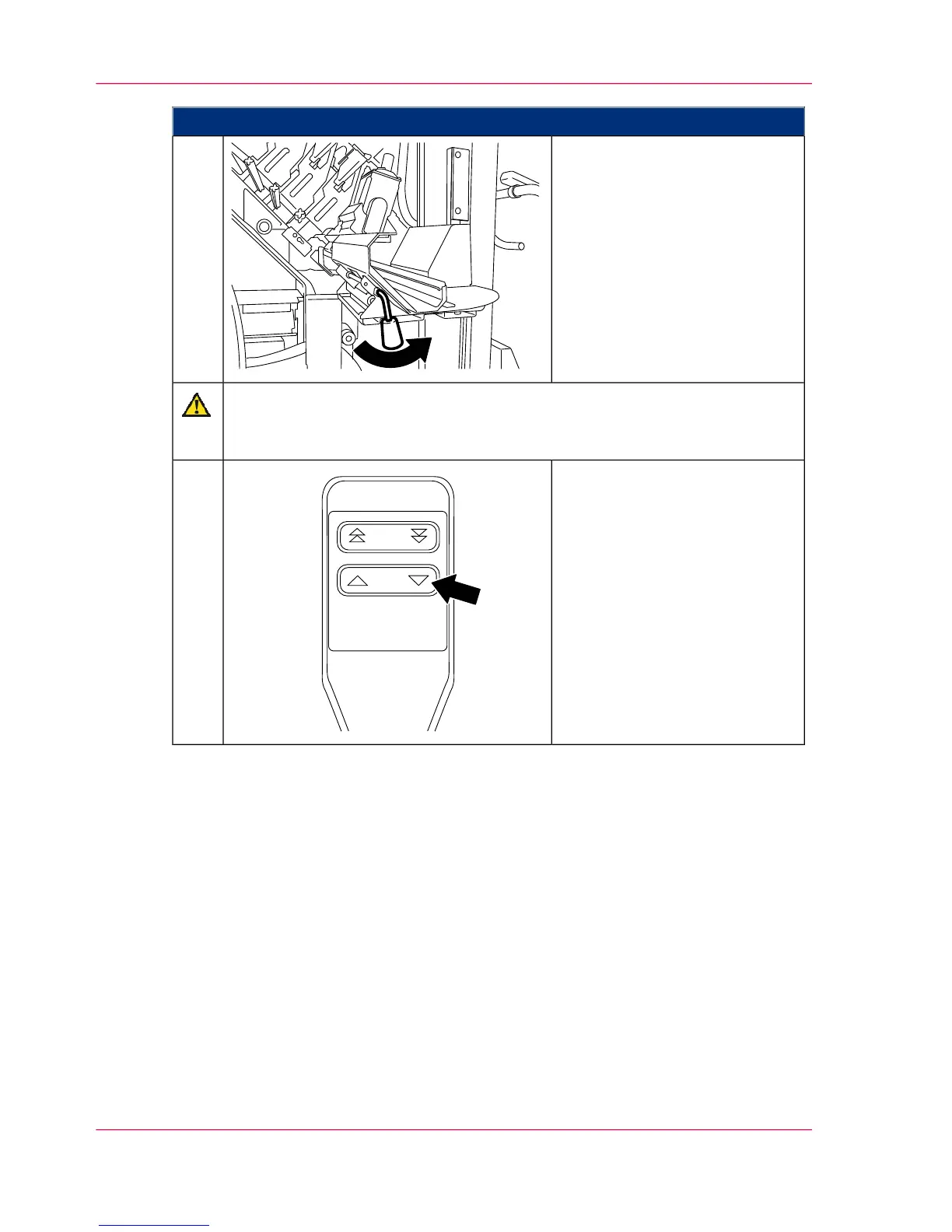
Proceed as follows:
Unlock the hoisting lift and
carefully detach the replacement
cart from the print module.
6.
Caution
Make sure there is sufficient distance between the replacement cart and devel-
oper station.
Detach the brake bracket and
move the replacement cart as far
from the developer station as is
necessary to prevent any collision
between the developer station
and replacement cart during op-
eration.
Lower the hoisting lift all the
way and park the maintenance
cart in a suitable place.
7.
Chapter 6 - Operating the Printing System192
Installing the developer station



 To Next Page