Proceed as follows:
Under 'Calibration type', select:
■
'<html>Automatic determination of correction data by inline sensor</html>'
The measured values from the control strips, which are determined auto-
matically during the print operation, are used to calculate the new raster
kit.
■
'<html>Manual printout scanning via the operator panel</html>'
Print samples are taken and manually tested using a handheld measuring
instrument. The measured data is then used to adjust the selected raster
kit.
■
'<html>Manual printout scanning via the external measuring sta-
tion</html>'
The print samples are manually scanned onto an external measuring station
using a handheld measuring instrument. 'Step 2: Record' on the operator
panel is skipped in this case.
4.
Under 'Test print control':
■
Using the 'Warm-up with paper path' checkbox, select whether the printing
system is to be warmed up with paper path or no paper. Less paper is used
when warming up without the paper path. Depending on the post print
processing, this may lead to problems with repeated proof.
■
Selecting the test print job (see ‘'5C_PrintQualityInspection.600' Test Print
Job’ on page 202)
■
Click the 'Start test print' button.
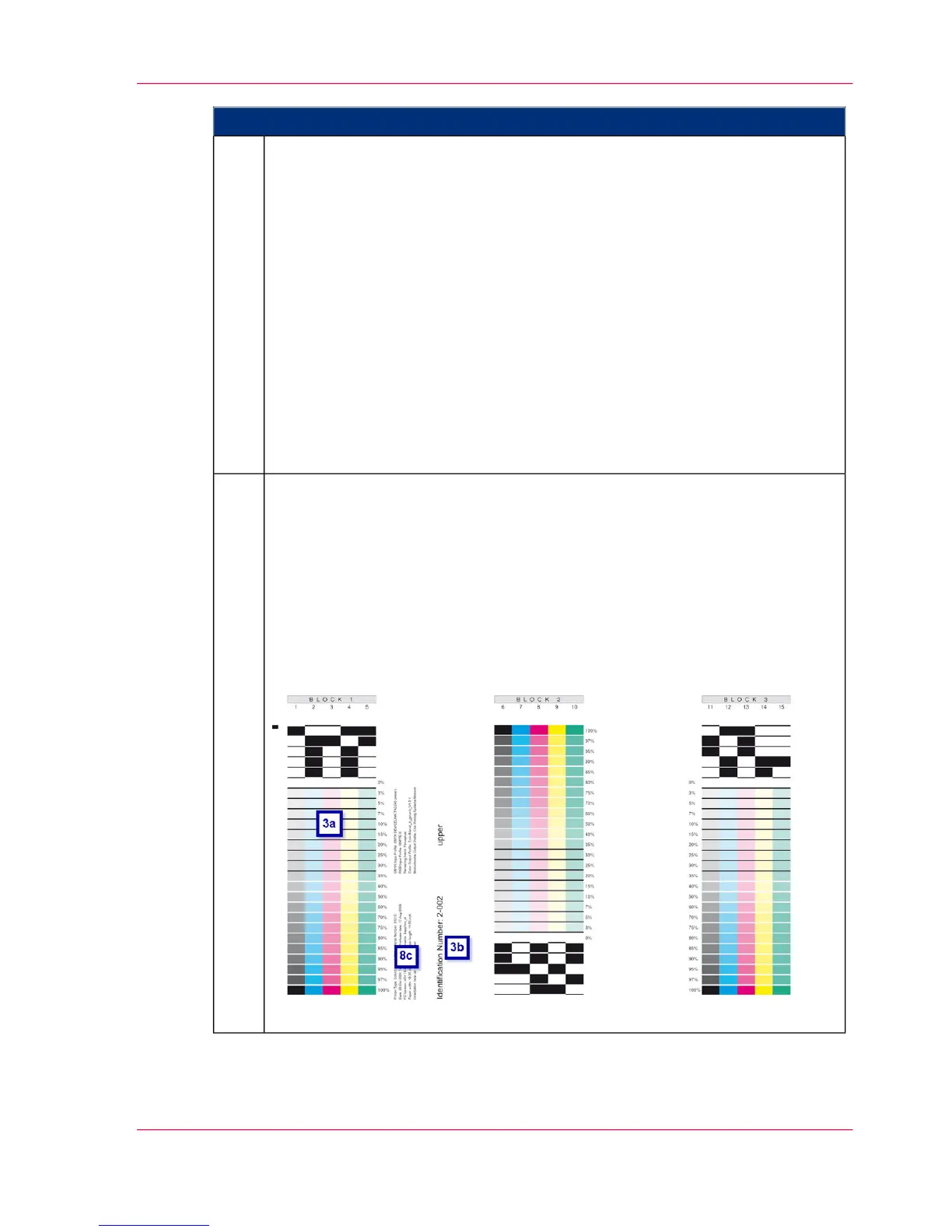
Example:
5.
Chapter 6 - Operating the Printing System 247
Printing Test Pages for Color Calibration



 To Next Page