Proceed as follows:
On the 'Configuration' page, enter or select the following:
■
'Enter ID no.':
The ID number printed on the test page.
■
'Number of test pages for upper print unit'/'Number of test pages for
lower print unit':
Number of test pages from the upper or lower print unit that are to be
scanned.
■
'Select print job':
Test print job and, depending on the paper width, the number of test
blocks.
■
Under 'Upper print unit' and 'Lower print unit' click on the 'Scanning'
checkbox for those color stations that need calibrating.
Click the 'Next' button.
3.
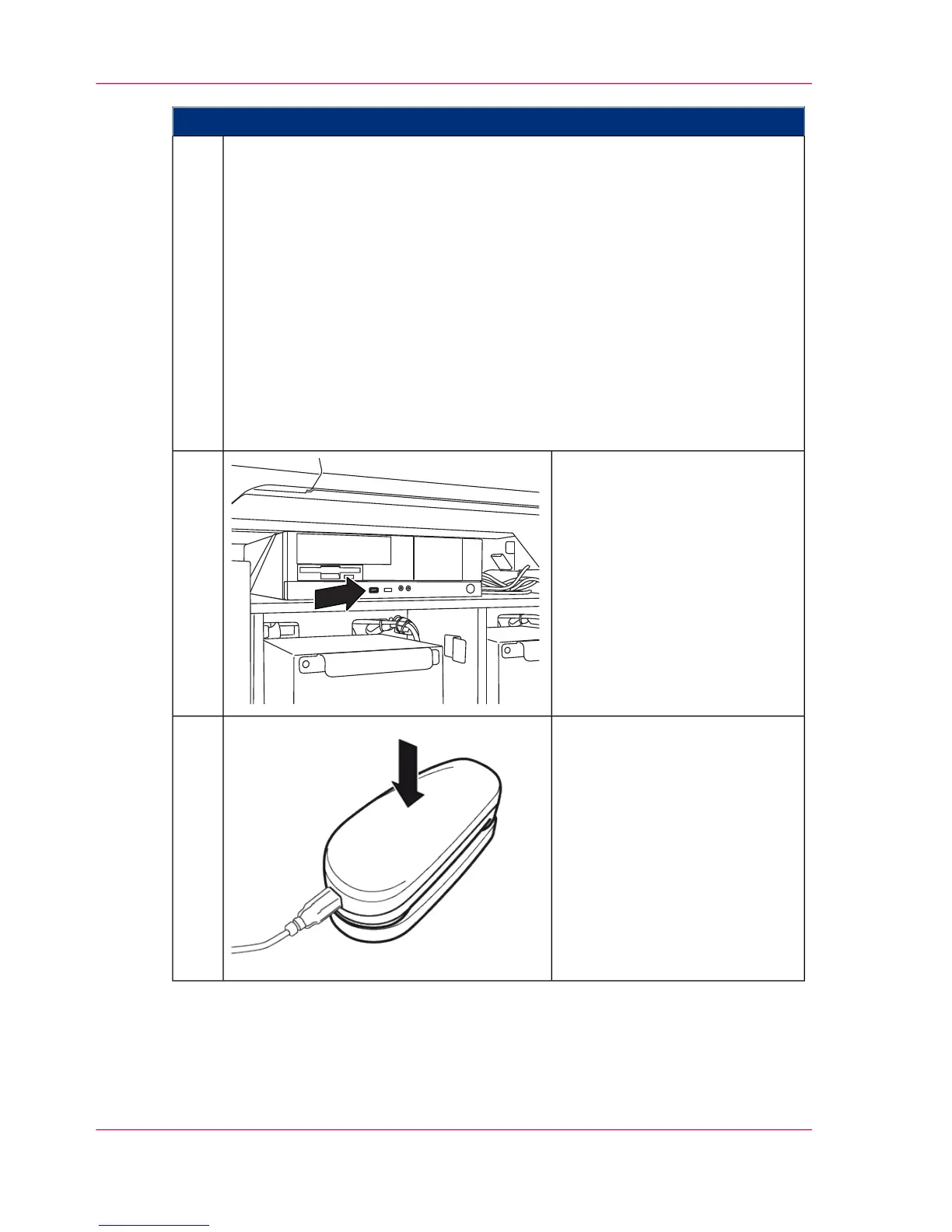
Connect the USB cable of the
measuring device to the operator
panel PC of the console.
4.
Place the measuring device in the
cup.
Click the 'Next' button on the
operator panel.
5.
Chapter 6 - Operating the Printing System250
Scanning Test Pages for Color Calibration



 To Next Page