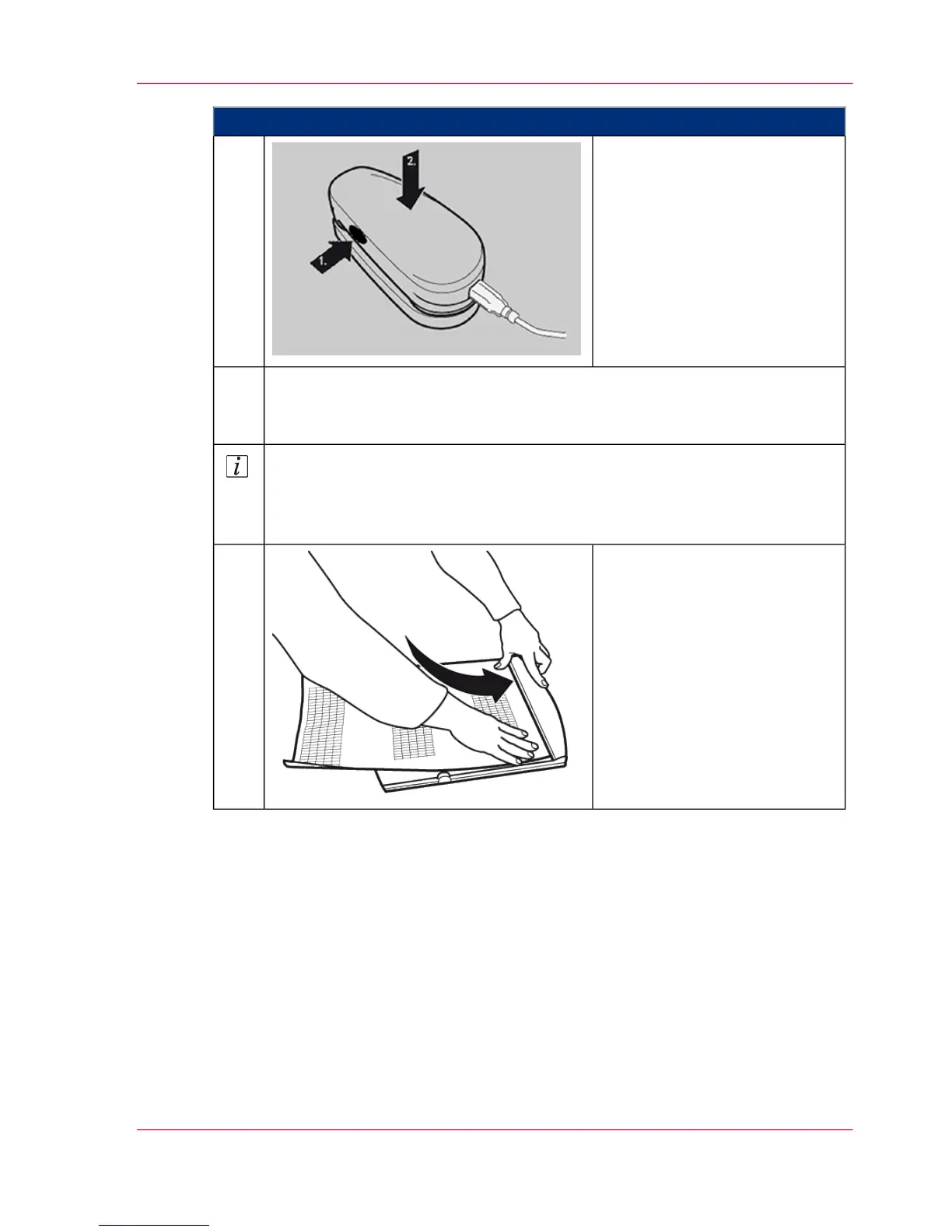
Proceed as follows:
To warm up the measuring de-
vice, depress the button on the
left side of the measuring device
for approximately 20 seconds.
If the measuring device has been
taken out of the cup: Place the
measuring device back in the
cup.
6.
Click the 'Start' button on the operator panel to start the white balancing.
After a short time, the 'Strip scanning of test pages' page is displayed automat-
ically.
7.
Note
In the following, the scanning is described using a clipboard and a guide rail.
For wider paper the clipboard does not need to be used, but the guide rail
should then be used.
Press down on the clip and insert
the printout from the upper
print unit into the clipboard.
8.
Chapter 6 - Operating the Printing System 251
Scanning Test Pages for Color Calibration



 To Next Page