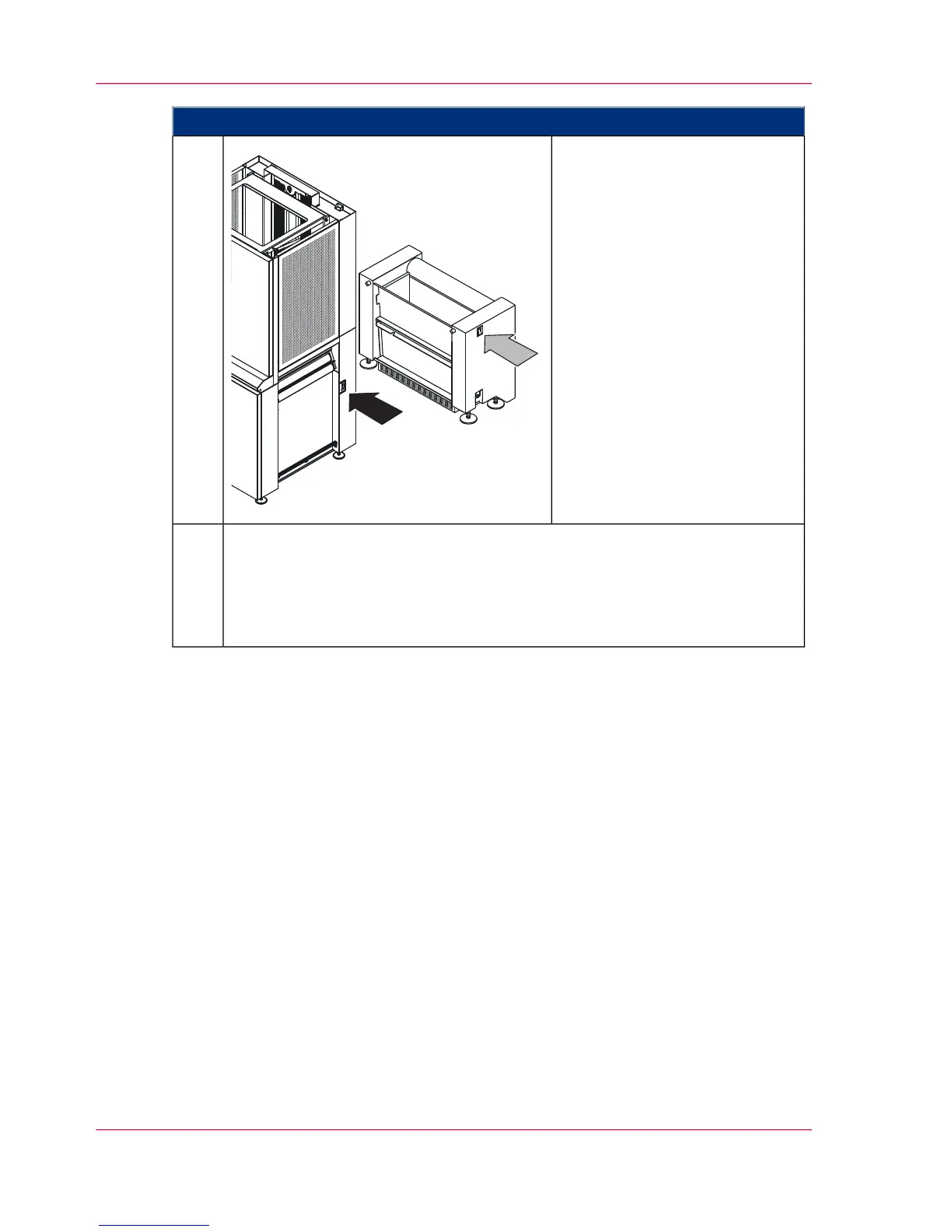
Proceed as follows:
Reactivate the web buffer mod-
ule and vacuum unit at the oper-
ating switches.
6.
Click on the 'OK' button to complete the calibration.
When the process is finished, the status display 'Last calibration - upper print
unit' or 'Last calibration - lower print unit' is updated.
When the 'Failed' result is displayed, recalibration is necessary. If the 'Very
good contrast' result is displayed, the menu can be closed.
7.
Chapter 6 - Operating the Printing System260
Calibrating the Data Integrity Mark Sensor



 To Next Page