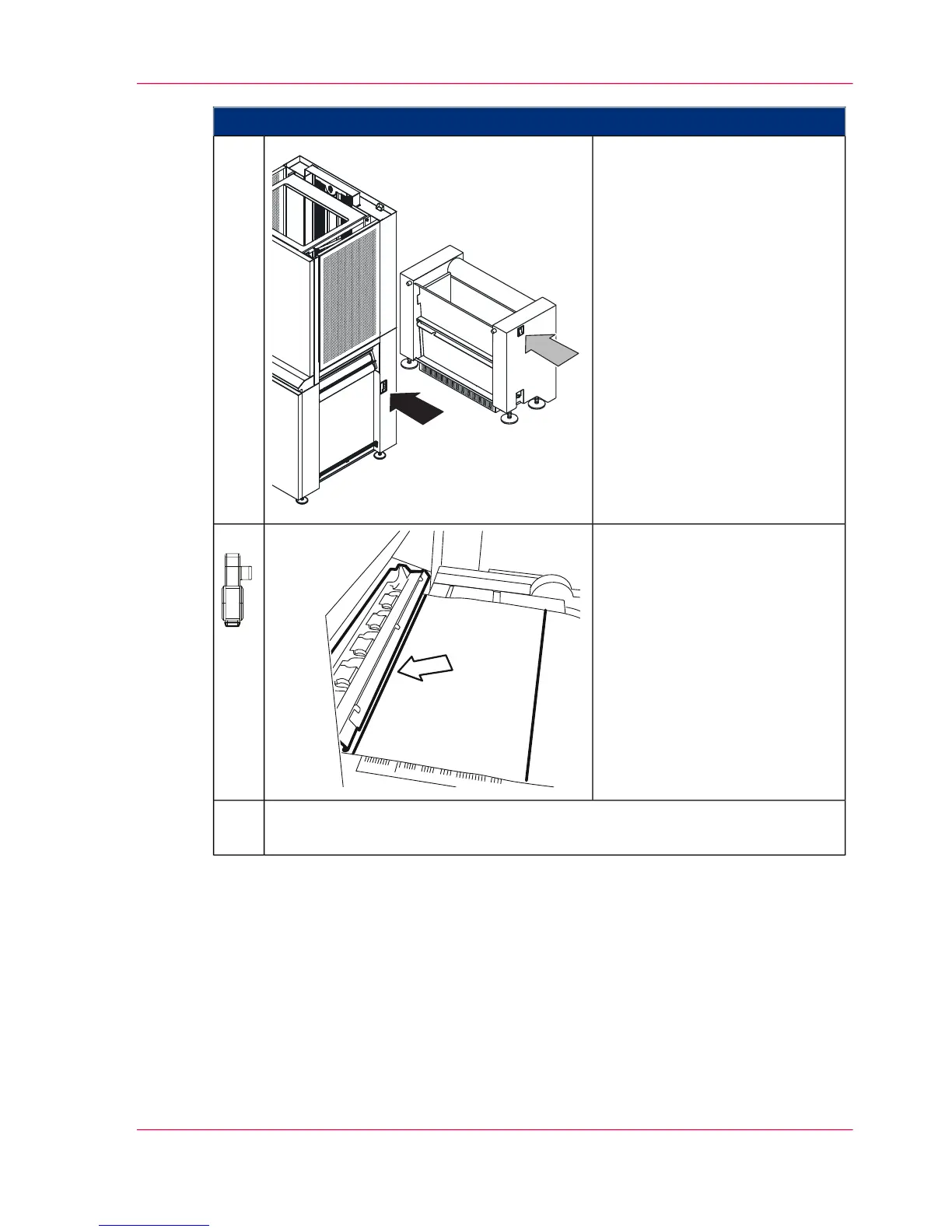
Proceed as follows:
Switch off web buffer module
and vacuum unit at the operat-
ing switches.
3.
Only for 'Specify mark':
If the paper web is not yet in the
printing system with the pages
correctly aligned, you first need
to position it. Move the horizon-
tal perforation or a mark to the
insert mark of the printing sys-
tem using the 'ADVF' or 'AD-
VR' buttons.
4.
Click the 'OK' button to confirm that the paper web is properly aligned:
Calibration is starting.
5.
Chapter 6 - Operating the Printing System 259
Calibrating the Data Integrity Mark Sensor



 To Next Page