Proceed as follows:
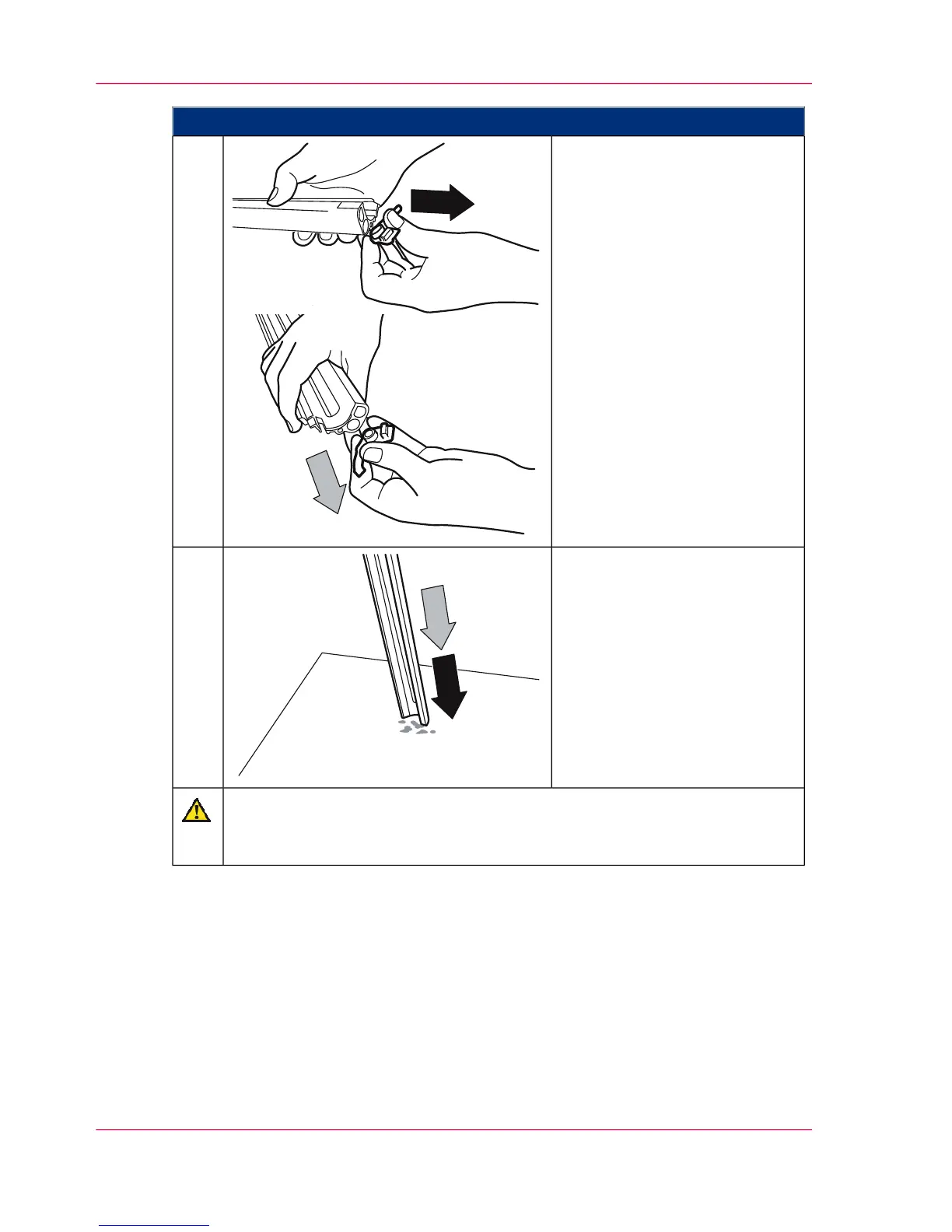
Remove the plastic caps from
both sides of the suction profile.
8.
Carefully tap out the suction
profile onto a cloth or other soft
padding.
9.
Caution
Always clean the holes on both sides of the suction profile in order to ensure
the necessary pressure balance for the suction.
Chapter 7 - Cleaning the Printing System278
Cleaning Developer Station Surface



 To Next Page