Proceed as follows:
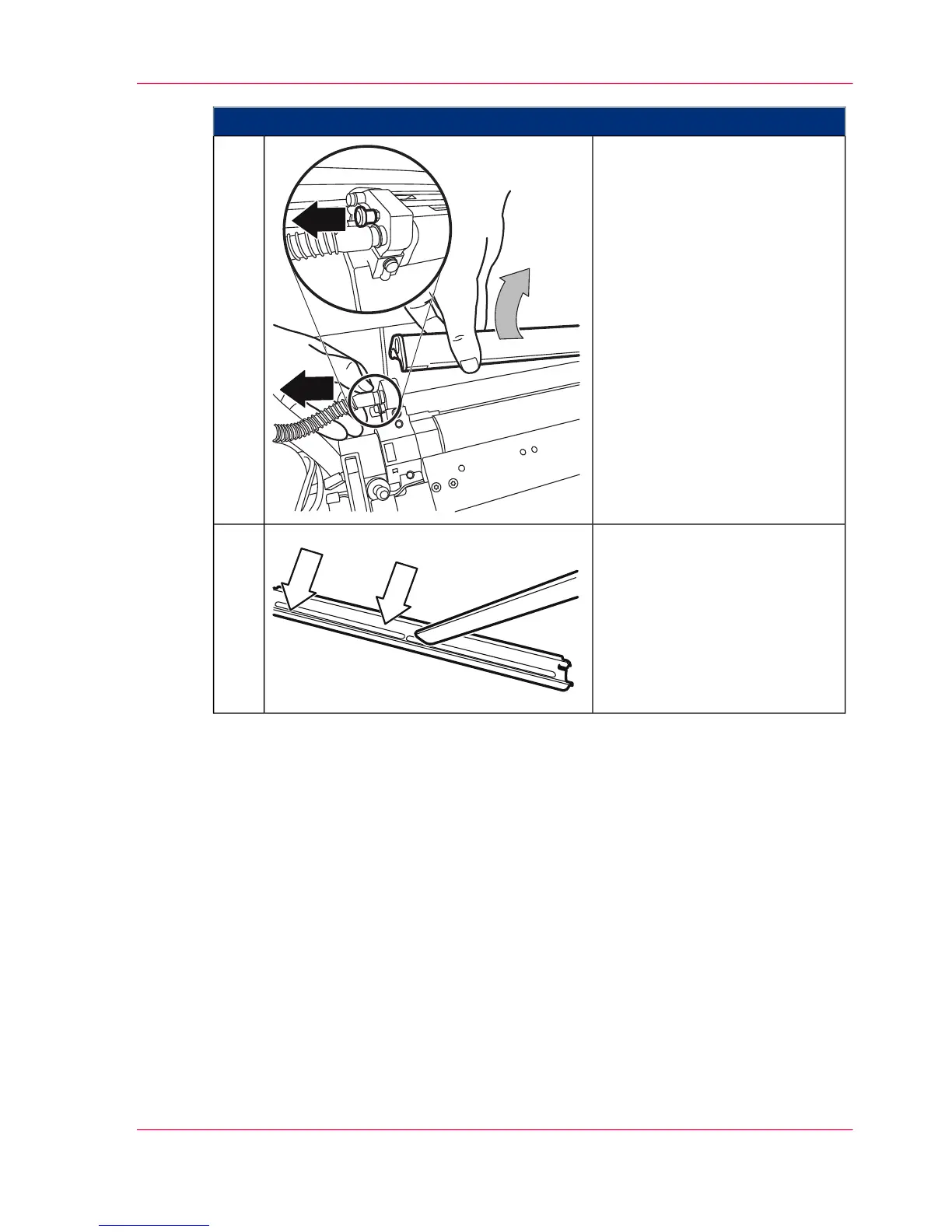
Remove the suction profile from
the developer catch roller:
■
Pull out locking pin.
■
Carefully lift the suction pro-
file upwards using both
hands.
6.
Vacuum suction profile.7.
Chapter 7 - Cleaning the Printing System 277
Cleaning Developer Station Surface



 To Next Page