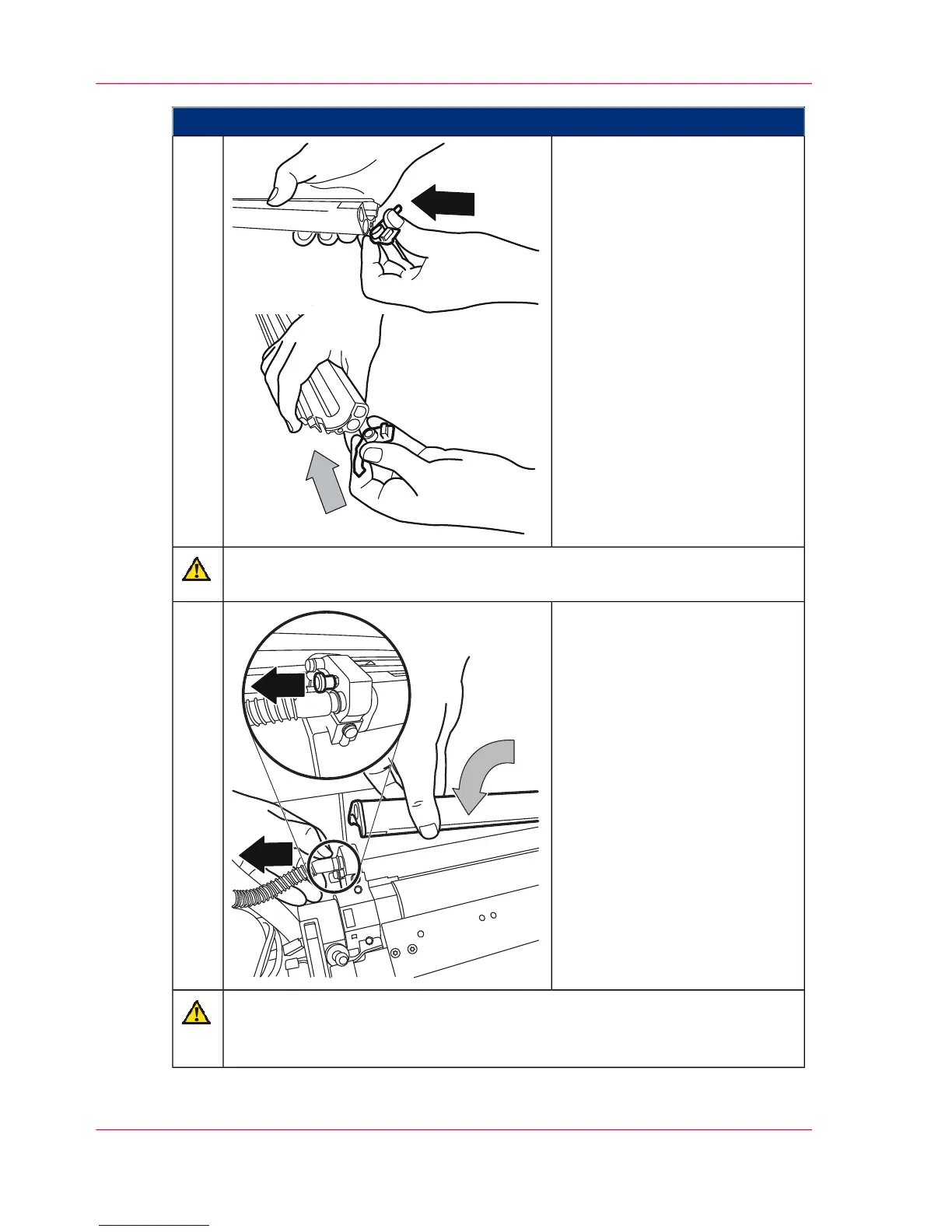
Proceed as follows:
Reattach the plastic caps on both
sides of the suction profile.
12.
Do not damage roller.
Carefully hold the suction profile using both hands.
Install the developer catch roller
suction profile:
■
Pull out locking pin.
■
Carefully insert the suction
profile using both hands.
■
Snap in locking pin.
■
Check whether the toner
hose is still firmly attached to
the connecting pipe.
13.
Caution
Take care not to pinch the hose when pushing in the developer stations.
Hold the hose to one side.
Chapter 7 - Cleaning the Printing System280
Cleaning Developer Station Surface



 To Next Page