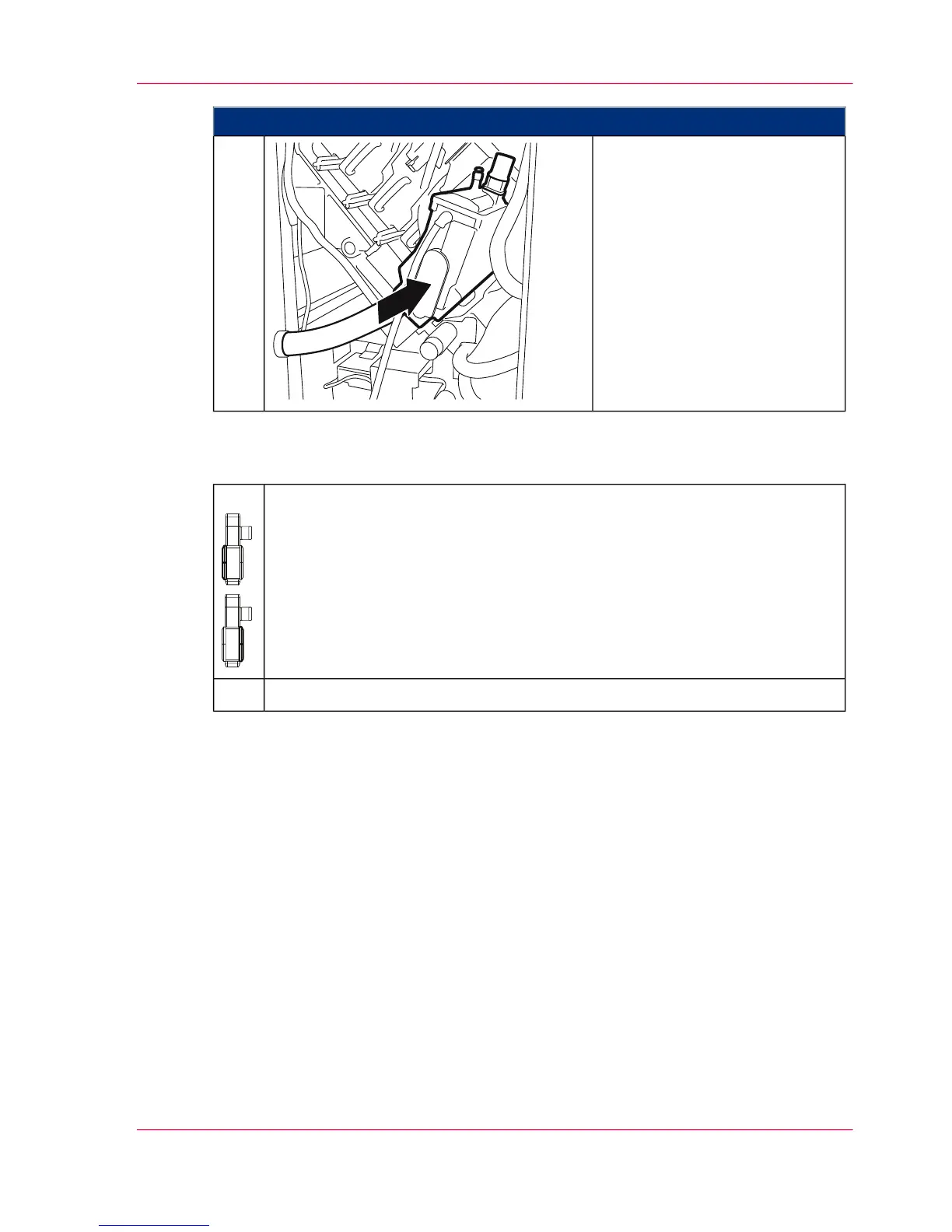
Proceed as follows:
Reinsert all developer stations
until they latch into place.
14.
#
Close all printing system doors:
■
‘Closing Left Doors’ on page 163
■
‘Closing Right Doors’ on page 159
15.
‘Swiveling on developer stations’ on page 282.16.
Chapter 7 - Cleaning the Printing System 281
Cleaning Developer Station Surface



 To Next Page