Proceed as follows:
Caution
Beware of the edges of the open blower unit.
Watch out for the edges of the blower unit when checking and cleaning the
nozzle casing.
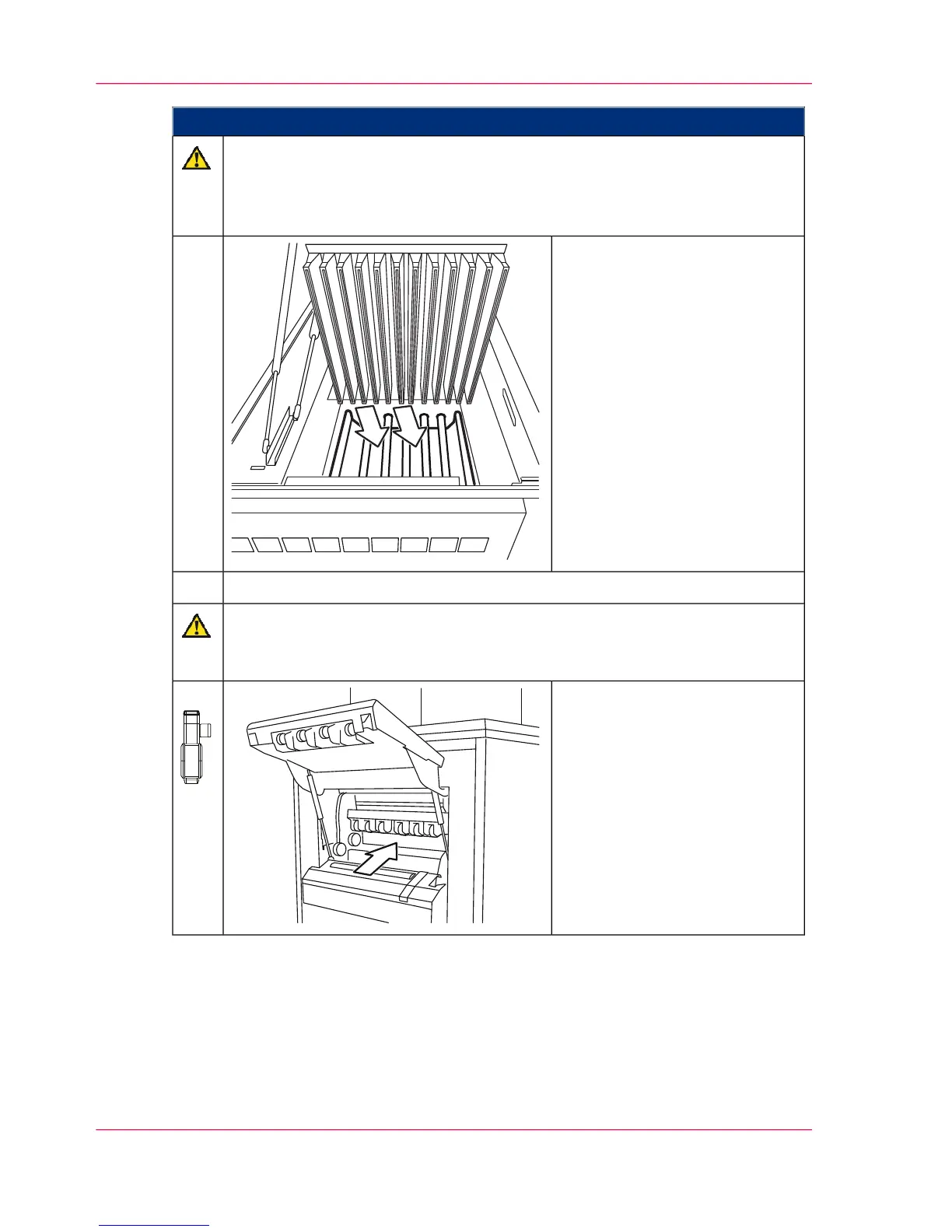
Check nozzle casing and remove
all paper residue and vacuum the
paper dust.
15.
Close the blower unit and paper cooling cover.16.
Caution
The fuser station may only be opened and worked on by Service.
When checking the paper path, do not open the covers of the fuser station.
From the open paper output:
Check the paper path inside the
fuser station for paper residue.
Also check from both sides of
the print unit.
If you find paper residue in the
fuser station: Notify Service.
17.
Chapter 7 - Cleaning the Printing System294
Cleaning the Paper Path



 To Next Page