Proceed as follows:
Caution
Wait until preparation is complete:
The doors must not be opened before the relevant message is displayed on the
operator panel.
#
Proceed as follows:
Open all doors on the right-hand side of the printing system (see ‘Opening Right
Doors’ on page 157).
4.
Open all doors on the left-hand side of the printing system (see ‘Opening Left
Doors’ on page 161).
5.
#
Proceed as follows:
Caution
If a developer station is pulled out too quickly and suddenly, it may be pulled
out over the stop points and fall down.
Always pull a developer station out slowly and evenly to the stop point of the
guide rails.
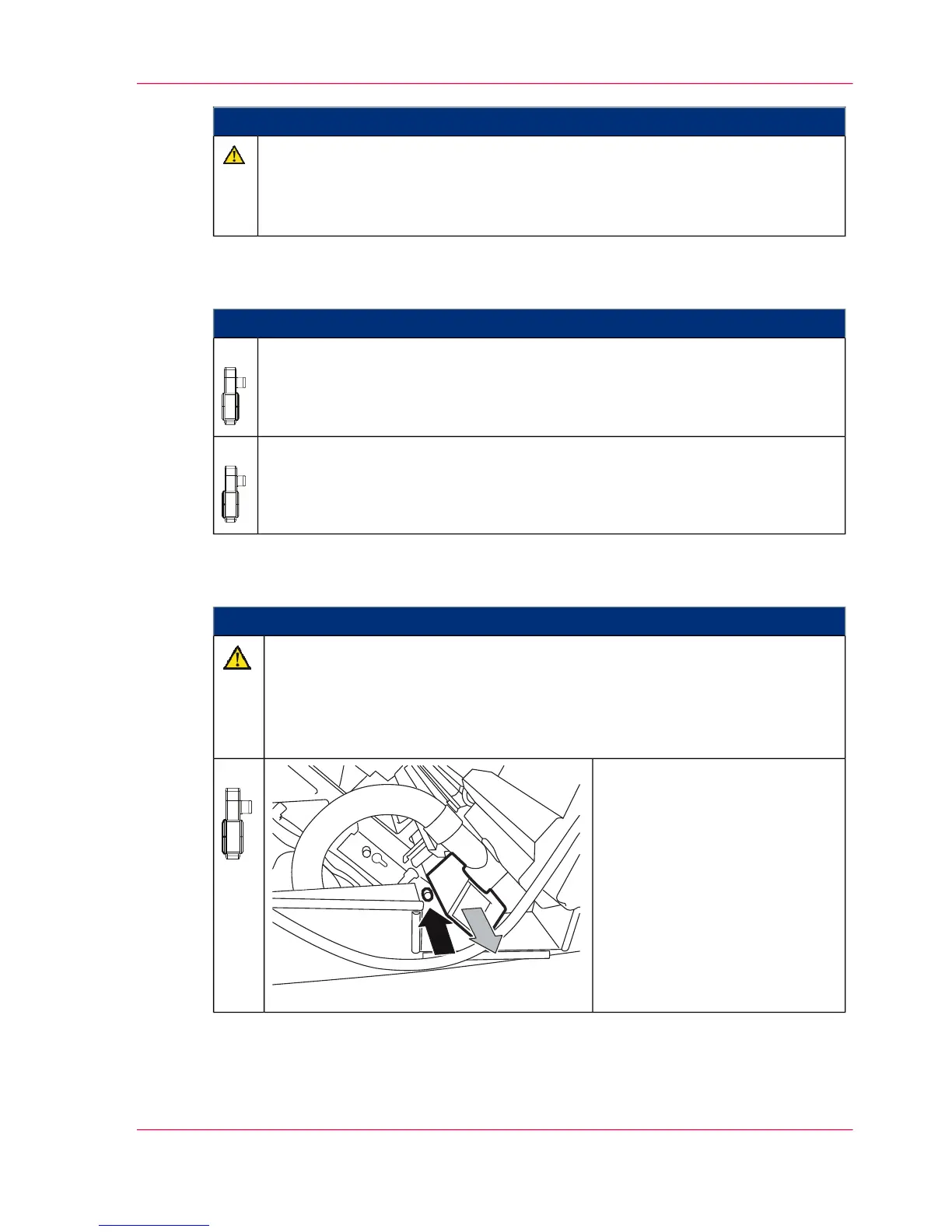
On the left-hand side of the
printing system:
Press the lock button on each
developer station in the upper
print unit and slowly and evenly
pull the developer station out to
the stop point.
6.
Chapter 9 - Replacing Expendables 353
Removing Photoconductor Belt in Upper Print Unit and Replacing Photoconductor Blade



 To Next Page