Proceed as follows:
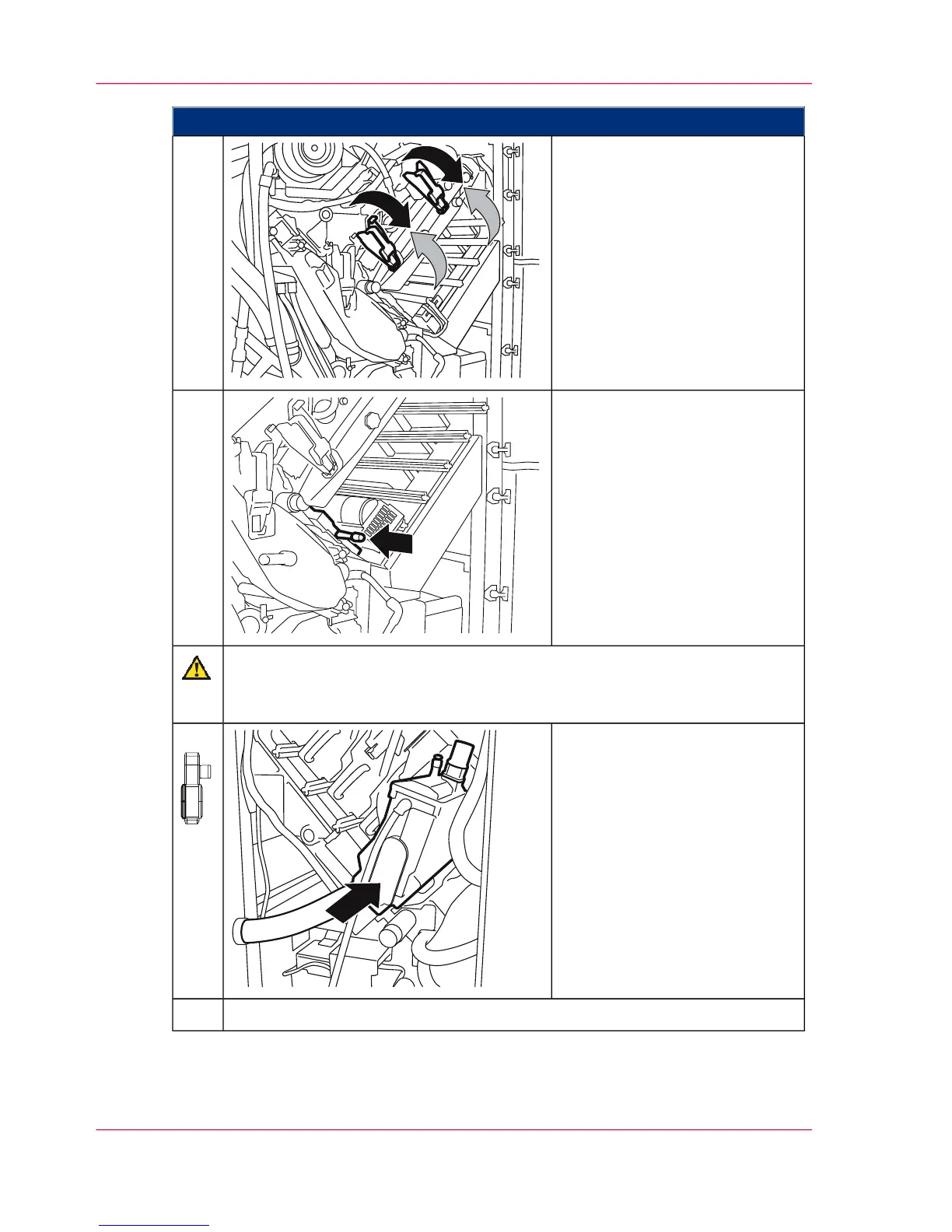
Swivel locking flaps down
against the catch point.
Then close the handles.
12.
To swivel on the toner mark
sensor, push the unit in by the
handle.
13.
Caution
Take care not to pinch the hose when pushing in a developer station.
Hold the hose to one side.
On the left-hand side of the
printing system:
Push the developer stations back
in until they snap in.
14.
Close all doors on the left-hand side of the printing system.15.
Chapter 9 - Replacing Expendables362
Insert a photoconductor belt in the upper print unit



 To Next Page