Proceed as follows:
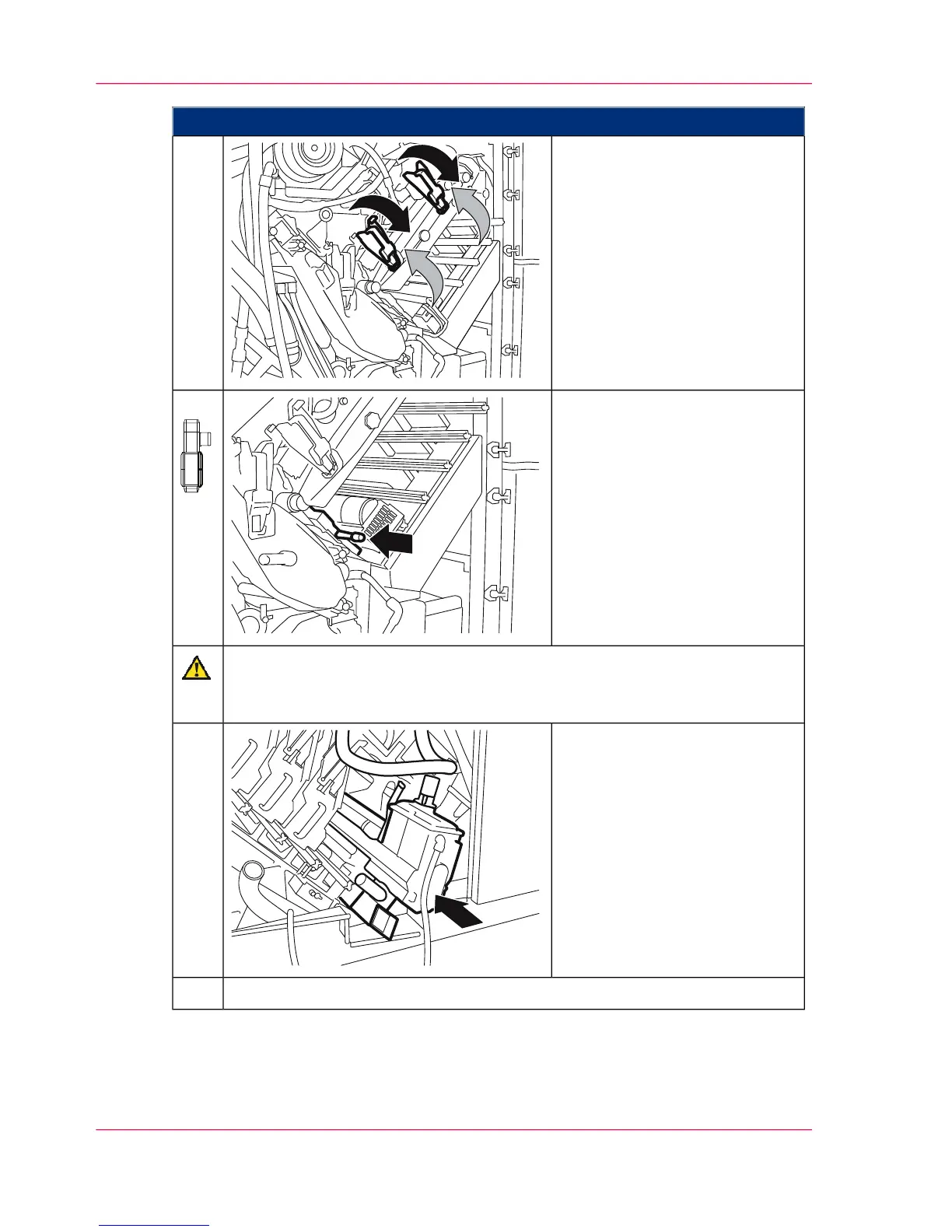
Swivel locking flaps down
against the catch point.
Then close the handles.
12.
On the right-hand side of the
printing system:
To swivel on the toner mark
sensor, push the unit in by the
handle.
13.
Caution
Take care not to pinch the hose when pushing in a developer station.
Hold the hose to one side.
Push the developer stations back
in on the right-hand side of the
printing system until they snap
in.
14.
Close all doors on the right-hand side of the printing system.15.
Chapter 9 - Replacing Expendables374
Inserting a Photoconductor Belt in the Lower Print Unit



 To Next Page