Proceed as follows:
Caution
Wait until preparation is complete
The doors must not be opened before the relevant message is displayed on the
operator panel.
#
Open the doors on the printing system:
■
‘Opening Left Doors’ on page 161.
■
‘Opening Right Doors’ on page 157.
4.
#
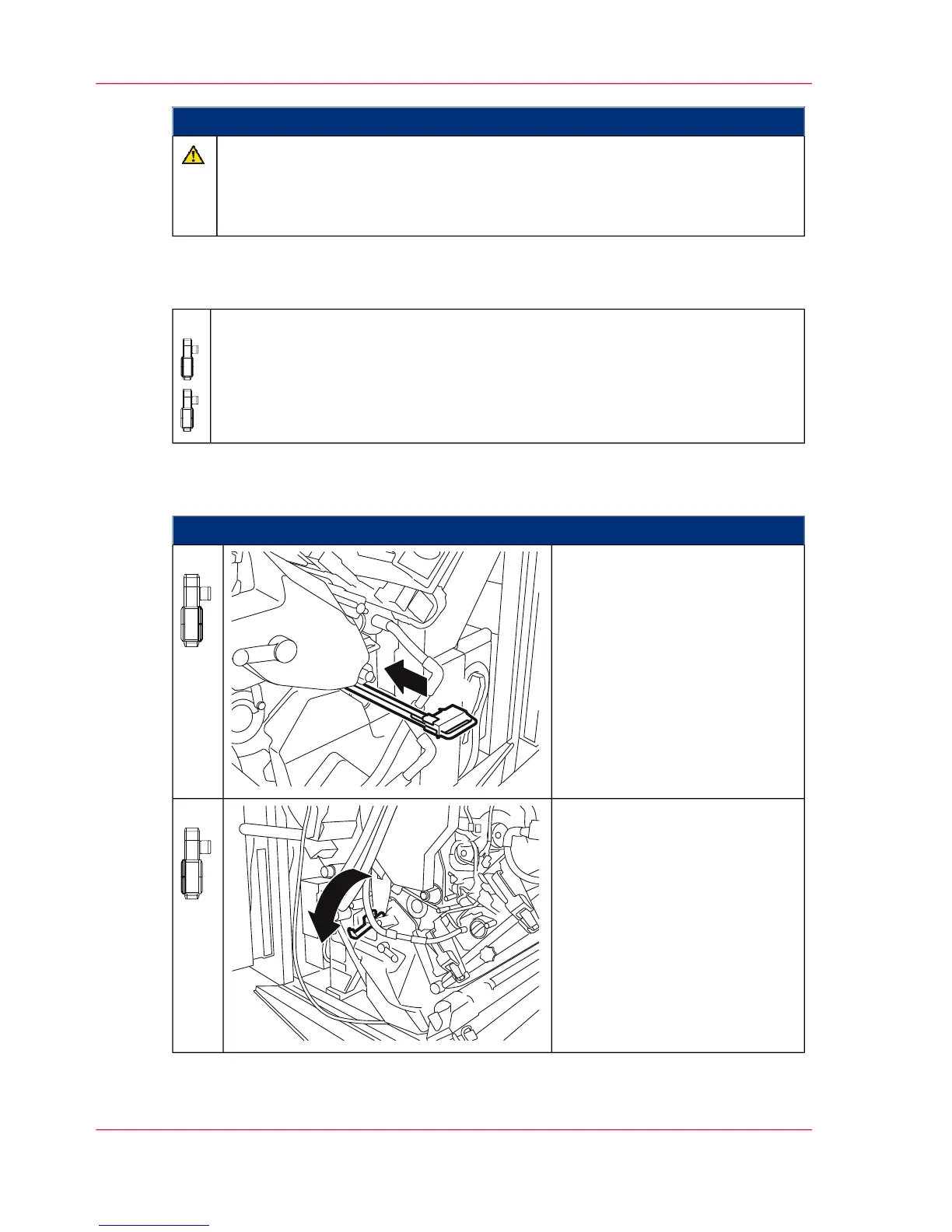
Proceed as follows:
On the right-hand side of the
printing system:
Unlock the cleaning corotron of
the transfer belt cleaning system
for the lower print unit and
completely remove it.
5.
On the left-hand side of the
printing system:
Open handle on the locking flap
shown.
6.
Chapter 9 - Replacing Expendables396
Removing the Transfer Belt in the Lower Print Unit - Preparation



 To Next Page