Proceed as follows:
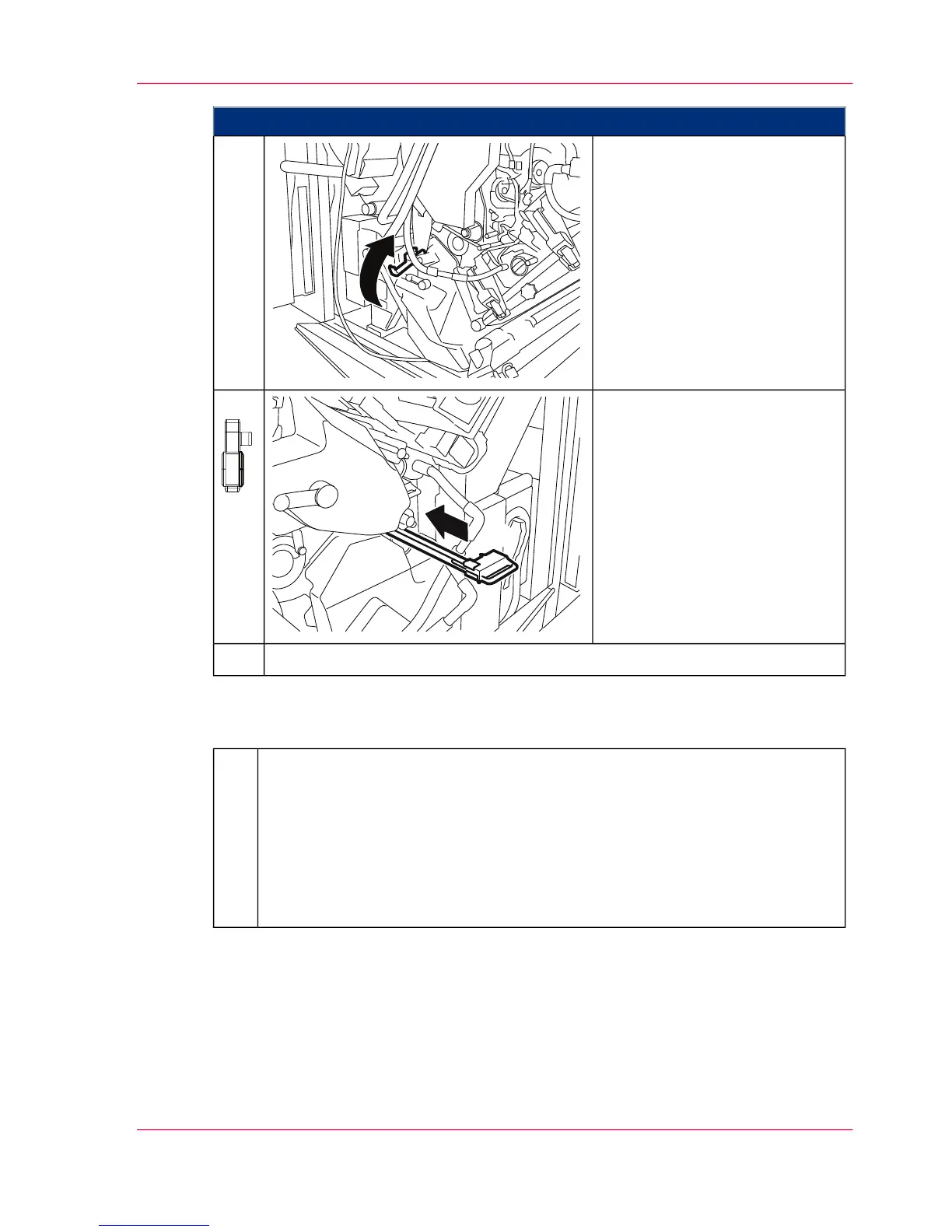
Close the handle.3.
On the right-hand side of the
printing system:
Push cleaning corotron back into
the guide up to the stop point.
4.
Close all printing system doors.5.
#
On the operator panel, enter whether a new transfer belt was inserted:
■
When you click the 'Yes' button:
The message on the operator panel is deleted automatically, the replacement
of the transfer belt is recorded in the 'Consumable history' menu and the
consumables counter is reset.
■
When you click the 'No' button:
The consumables counter is not reset.
6.
Chapter 9 - Replacing Expendables 409
Inserting the Transfer Belt in the Lower Print Unit



 To Next Page