Proceed as follows:
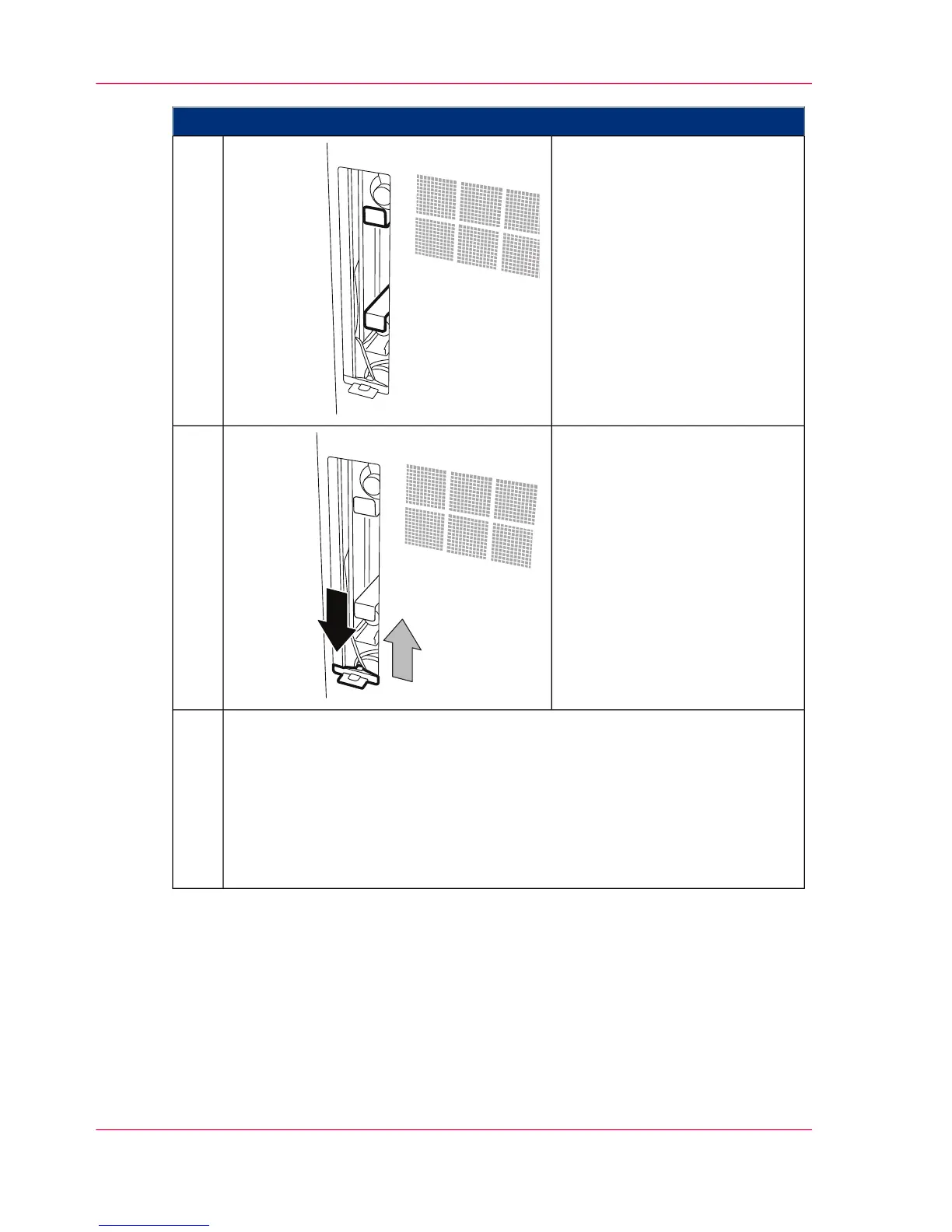
Reinsert the slide-in unit into the
guide and push into the smooth-
ing module:
■
A) Slide-in unit for upper
cleaning felt
■
B) Slide-in unit for lower
cleaning felt
13.
Unlock the sliding door at the
clip, push it up and snap in.
14.
On the operator panel, enter whether a new cleaning felt was installed:
■
When you click the 'Yes' button:
The message on the operator panel is deleted automatically, the replacement
of the cleaning felt is recorded in the 'Consumable history' menu, and the
consumable counter is reset.
■
When you click the 'No' button:
The consumable counter is not reset.
15.
Chapter 9 - Replacing Expendables452
Replacing the cleaning felt



 To Next Page