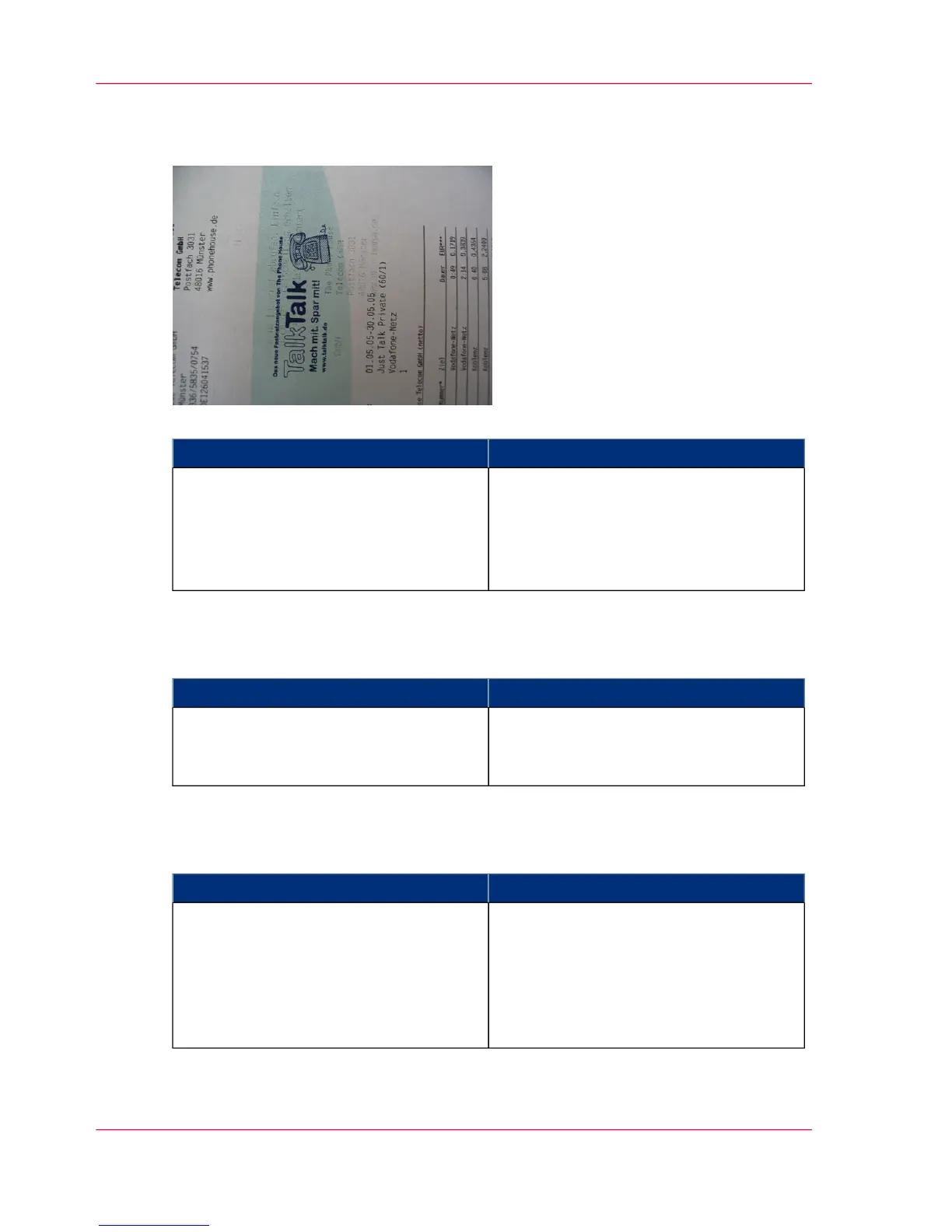
Ghost Image
#
CorrectionPossible Cause
Replace the cleaning brush (see ‘Replacing
the cleaning brush — overview’ on page
433).
Insufficient cleaning of the photoconduc-
tor belt or transfer belt.
The print image is repeated after approx.
two loops of the photoconductor belt or
approx. one loop of the transfer belt.
Toner Bombs
#
CorrectionPossible Cause
Clean developer station (see ‘Cleaning the
Surface of the Developer Stations —
Overview’ on page 273).
Developer station soiled
Uneven Coloration Front Side to Rear Side
#
CorrectionPossible Cause
Adjust the coloration levels for the front
and back pages in the 'Contrast' menu.
Detailed information on this menu is
available from the context-sensitive direct
help. To go to this, call up the 'Contrast'
menu and press the F1 button.
The coloration levels on the operator
panel have not been set correctly
Chapter 10 - Correcting Errors488
Correcting Print Image Errors



 To Next Page