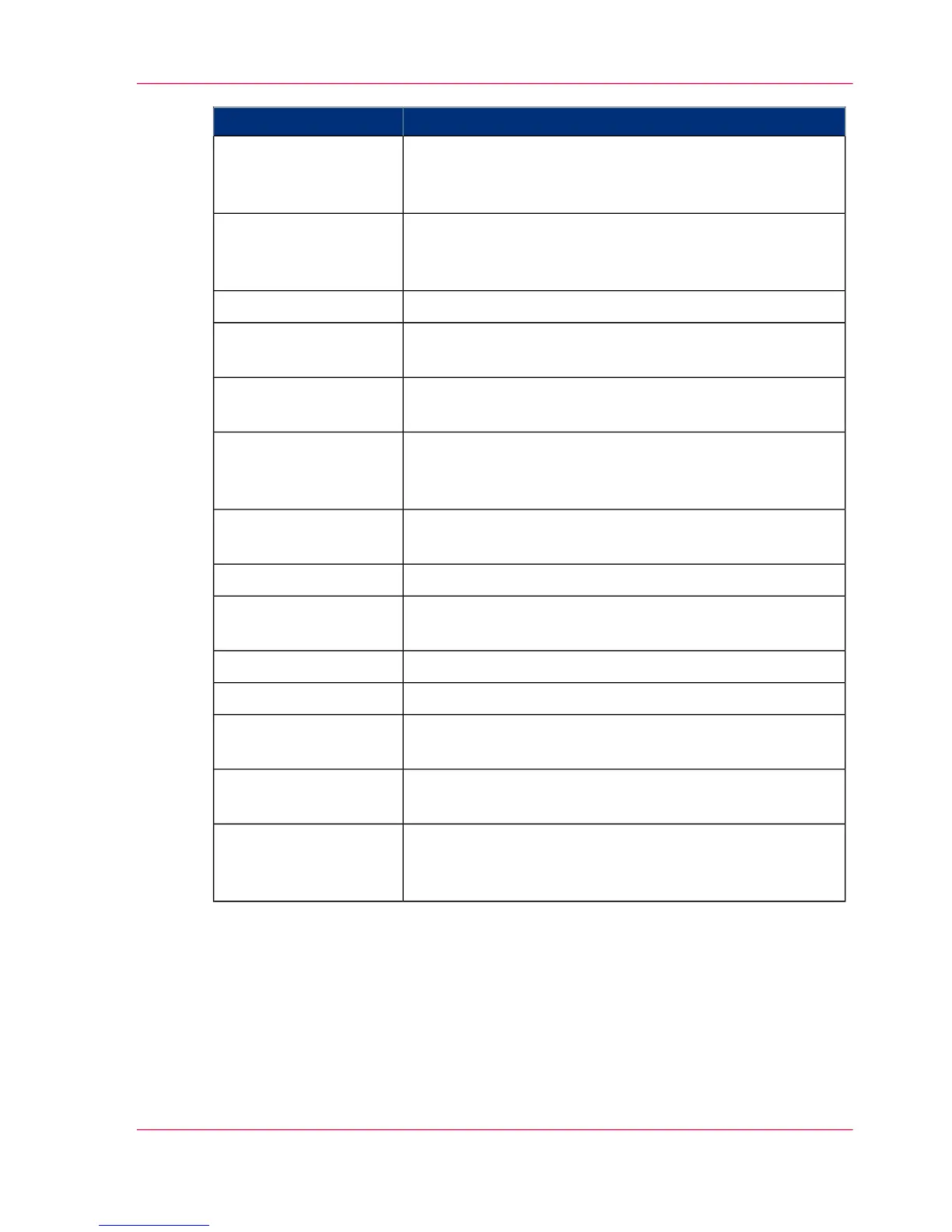
MeaningDisplay
The 'NPRO' key has been pressed. The last printed pages
are being moved out of the printing system. Pages that are
already printed will also be fused.
'Job advance'
The paper width sensor has detected that a paper web of a
different width has been inserted. Paper web stop plates are
being adjusted.
'Adjusting paper width'
The paper measurement routine has been started.'Paper measurement'
The 'ADVR' key was pressed; the paper web is being moved
backwards.
'Advance paper reverse'
The 'ADVF' key was pressed; the paper web is being moved
forwards.
'Advance paper for-
ward'
The printing system is being prepared to power off. A shut-
down setup is being written; all components are being exit-
ed.
'Powering off'
The 'Eject' key was pressed; the paper web is being moved
forward at print speed.
'Page advance'
A setup is being loaded or saved.'Setup'
Consumables are being replaced or the printing system is
being cleaned.
'Special functions'
The printing system is being prepared for printing.'Starting'
The printing system has stopped.'Stop'
The operating temperature of the fuser station has cooled
down.
'Energy saving mode
stop'
The printing system is powered on; device control is being
prepared.
'Preparation'
Printing is interrupted because the pre/post-processing unit
has stopped. The printing process will continue when the
pre/post-processing unit is ready again.
'Pre-/post-processing
not ready'
Display of error messages
As soon as an error occurs on the printing system, it is displayed within the status display
with black text on a white background. The same applies for warnings.
Chapter 4 - Description of the Operator Panel 89
Buttons and Displays in the Center Area



 To Next Page