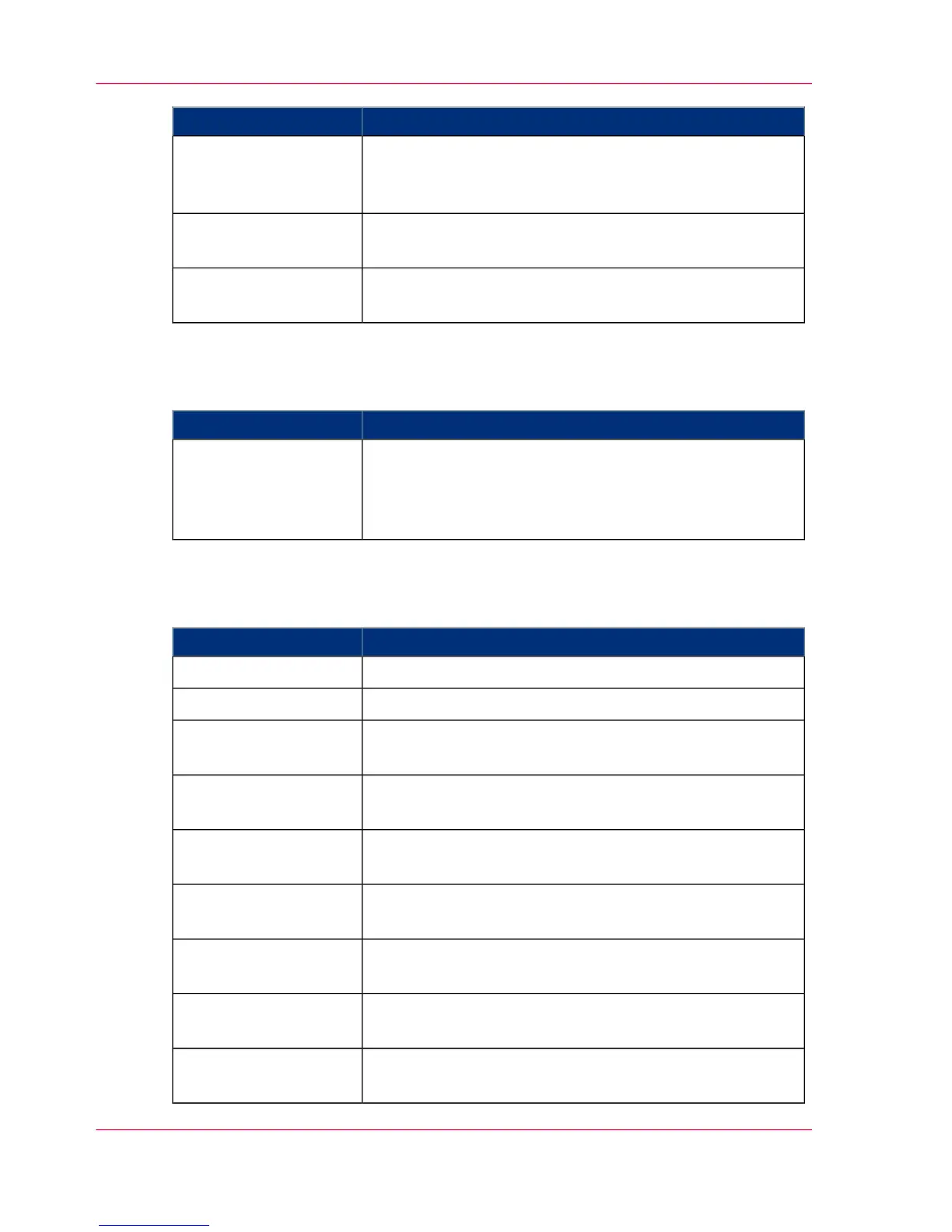
MeaningDisplay
Normal print operation.
The set speed level appears in the menu 'Print speed' in
brackets.
'Printing' [%]
If necessary, process optimization is started by the device
control during print operation.
'Process optimization'
The printing system switches from the 'Stop' status to the
'Ready' status.
'... getting Ready'
Status displays with red background
#
MeaningDisplay
An error message is displayed. The error must be corrected,
otherwise printing cannot continue.
All current messages are also displayed in the 'Errors and
warnings' menu.
'Operator intervention
necessary'
Status displays with gray background
#
MeaningDisplay
The fuser station is cooling down.'Cool down'
The fuser station is heating up.'Warm-up'
The autofeed clamp is in insert position. The paper web
can be inserted.
'Autofeed: Insert paper'
The autofeed clamp has reached the paper output. The
paper web can be removed.
'Autofeed: Remove pa-
per'
Paper web insertion has been started via the 'Autofeed' key.
The autofeed clamp is moved to the insert position.
'Autofeed: Started'
The autofeed clamp together with the paper web is trans-
ported to the paper output.
'Autofeed: Paper infeed'
The operating temperature of the fuser station has cooled
down.
'Energy saving mode
ready'
The printing system switches to the 'Stop' status.'Printing system stop-
ping'
The printing system is being initialized and is not yet ready
for printing.
'Initialization'
Chapter 4 - Description of the Operator Panel88
Buttons and Displays in the Center Area



 To Next Page