Charts ECDIS-E User Guide
4-12 65934012
For ARCS raster charts the name and issuing authority columns are
replaced with a Chart column, which lists the chart description and
reference number.
If a chart update has failed the Chart Update Summary displays Rejected
in the Status column and the reason for the rejection is shown in the Error
column of the table.
To sort the list into required priorities click on a column button. For
example, to sort by issue date click on the Issue Date button, all chart
updates are displayed from either the earliest or latest date.
Click the Refresh Updates button to update the list to include in the list
chart updates made on other nodes. While updating the table shows the
message `Updates Data Loading Please Wait..'
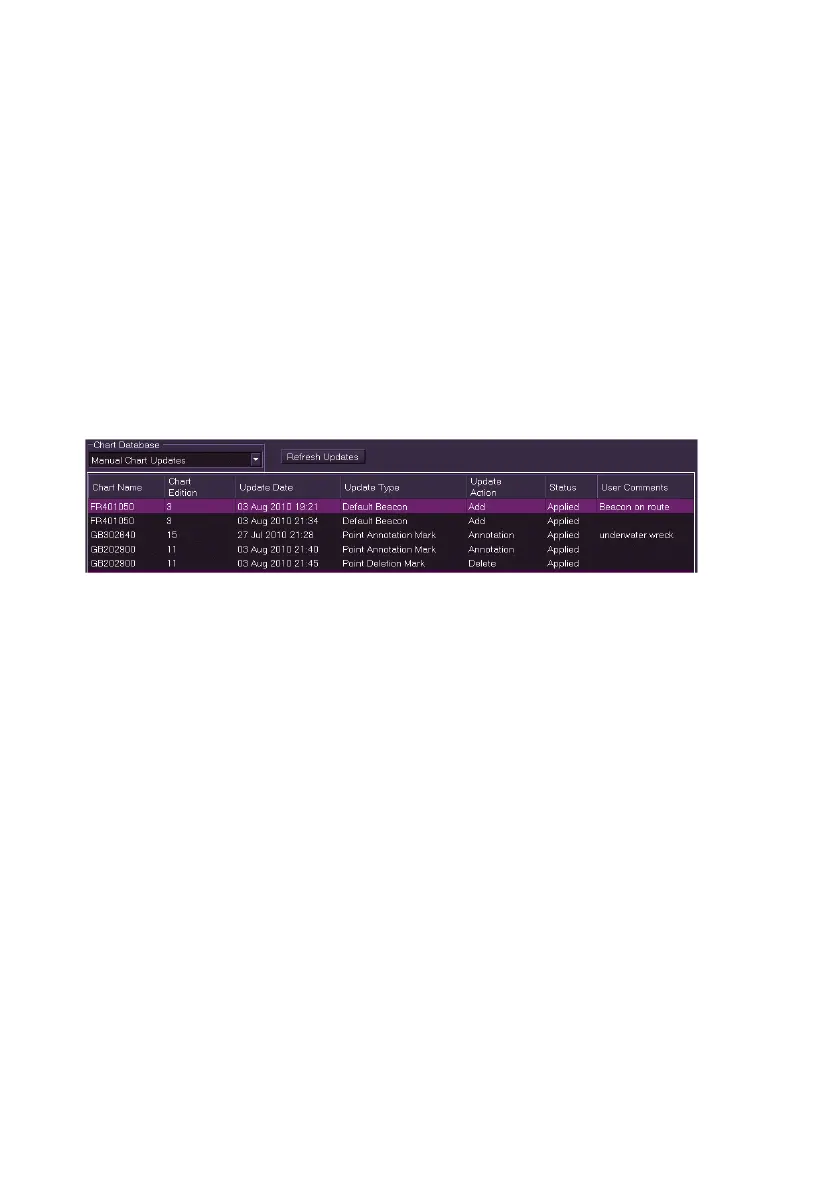
Viewing Manual Chart Updates
To view a summary of chart updates made by the operator, select Manual
Chart Update from the drop down list. The subsequent window shows the
following columns:
Chart Name
Chart Edition
Update Date
Update Type
Update Action
Status
User Comments
C-MAP Updates
For C-MAP charts, the system provides automatic registration of the
databases and a record of updates is kept in the C-MAP database.
C-Map Installation Actions provides a record of C-Map chart installation,
including Database (e.g. ENC), Application Date (date and time of action),
Status (Error or Success) and a brief summary of action or error.



 To Next Page