Appendix A - Chart Installation ECDIS-E User Guide
A-16 65934012
NAVTOR ENC Charts Service
General Description
Installing ENC chart permits and chart files, either from a NAVTOR
CD/DVD, or from a NAVTOR USB memory stick, is a procedure that should
be carried out on a weekly basis.
The process describing the installation of NAVTOR chart permits and
charts onto external media (CD/DVD or memory stick).
Installing NAVTOR NavSync Program
In addition to receiving ENC charts and chart updates by CD/DVD, ENC
charts may be installed onto a PC with internet access via the NAVTOR
NavSync USB memory stick (NavStick).
Installing the NAVTOR Security Certificate:
1. Insert the NAVTOR NavStick into a USB drive on a computer with
internet access.
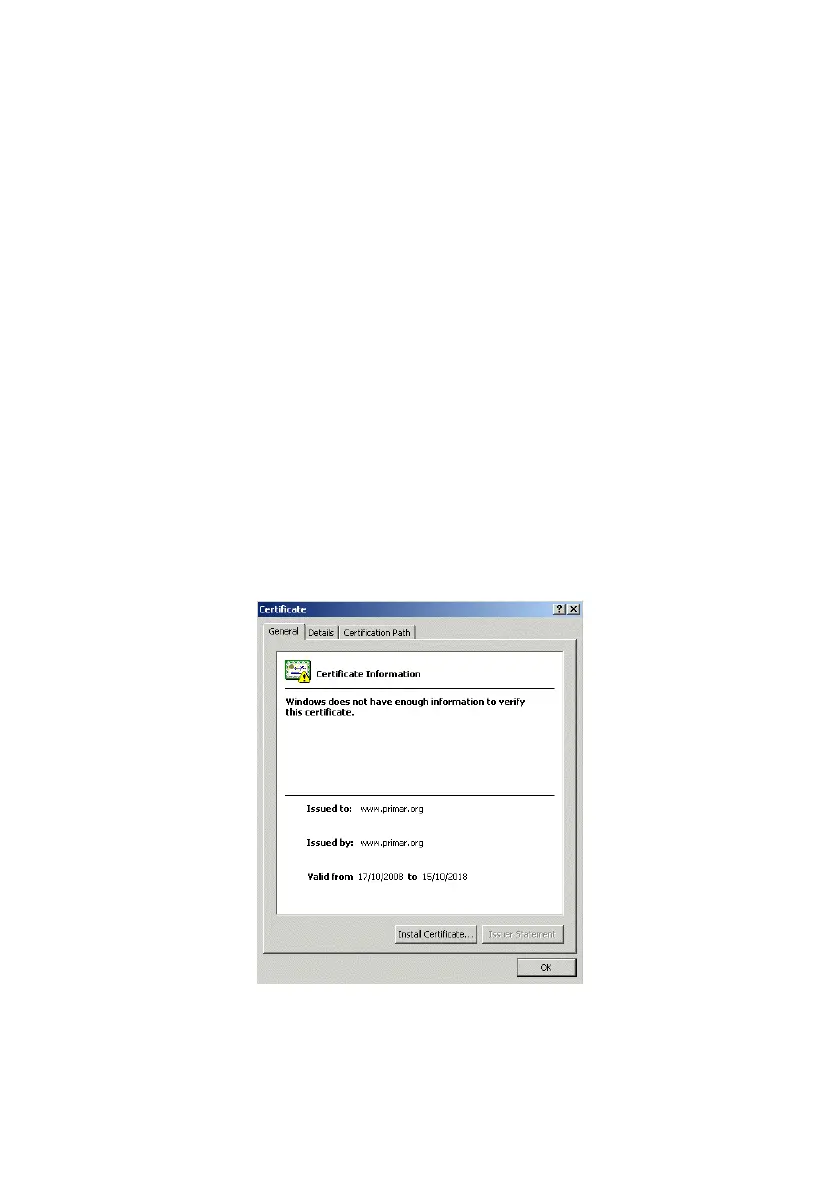
2. Browse to the USB drive and install the security certificate by
double clicking on the primar.crt file. A Certificate Information
popup window appears with issue and validity information.
3. Click the Install Certificate. button and follow the `Certificate
Import Wizard’ instructions. When complete click the Finish button,
the security certificate is imported onto the PC.



 To Next Page