ECDIS-E User Guide Basic Operation of ECDIS-E
65934012 3-31
Panning
The Pan function enables you to pan the display to view neighbouring
areas by positioning a selected point at the centre of the chart display .
In Panning mode TM limits are switched off and the motion mode button
displays TM Limits Off. TM limits are re-enabled when the following are
selected:
Off Centre, Centre or Max View
TM or Reset TM Limits from the Motion Mode button.
To pan the picture do the following:
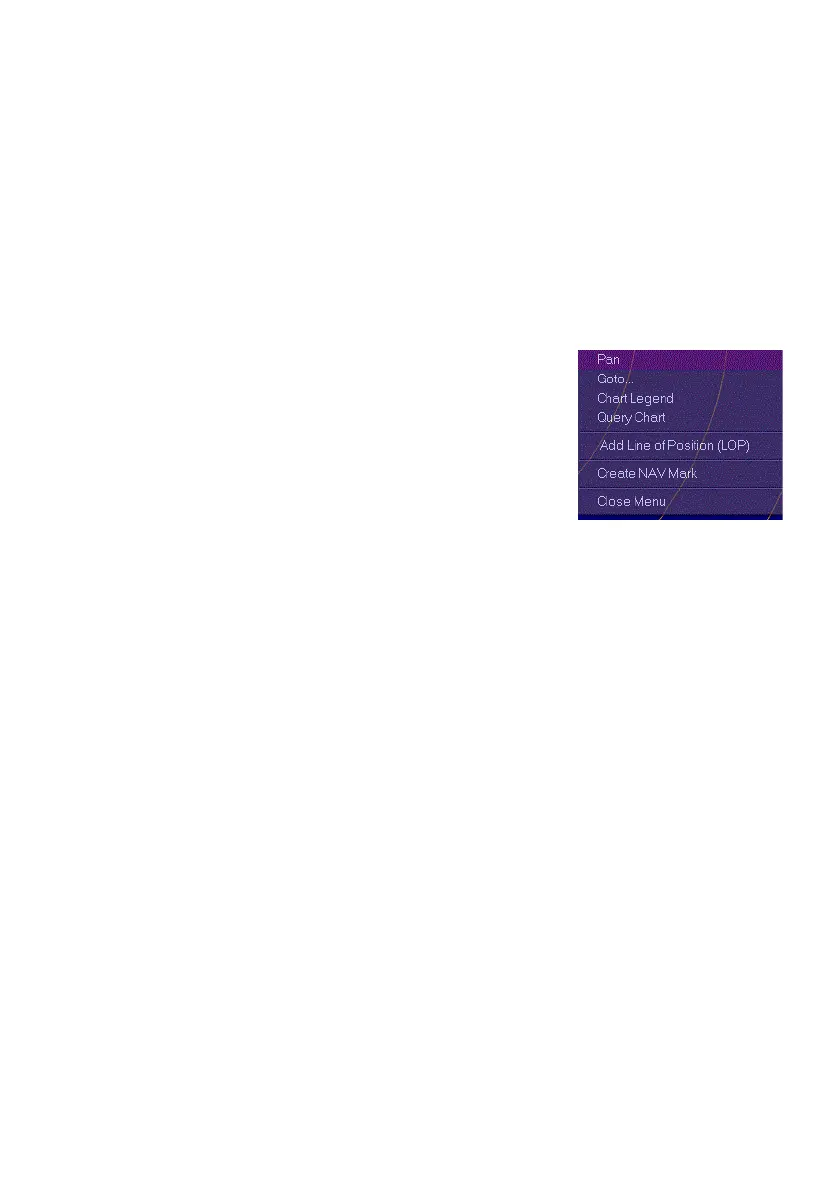
1. Move the cursor to either a specific point on
the chart (for example, a mariner object or a
chart location), or to a selected position
within the chart display and right click. A
semi-transparent window appears at the
selected point.
2. Select Pan from the window. The selected
position is moved to the centre of the screen. Own ship and all
other chart and target positions are also moved in accordance.
3. To cancel the operation and remove the window from the screen
select Close Menu.
Panning mode is automatically turned off when the following are selected:
Off Centre, Centre or MAX View
selecting True Motion (TM)
The system will automatically centre own ship if panning mode is switched
off and own ship is currently outside the offset limits.
Goto
The Goto.. function enables the centre of the chart display to be moved to
known locations or a specific location on the chart. Any geographic
location can be designated by its Latitude/Longitude (L/L) coordinates.
Locations that may be used repeatedly can be saved by name, and then
selected from a drop-down list, which is sorted alphabetically. When a
designated position is accepted, the display shifts to show the desired
location.



 To Next Page