ECDIS-E User Guide Basic Operation of ECDIS-E
65934012 3-19
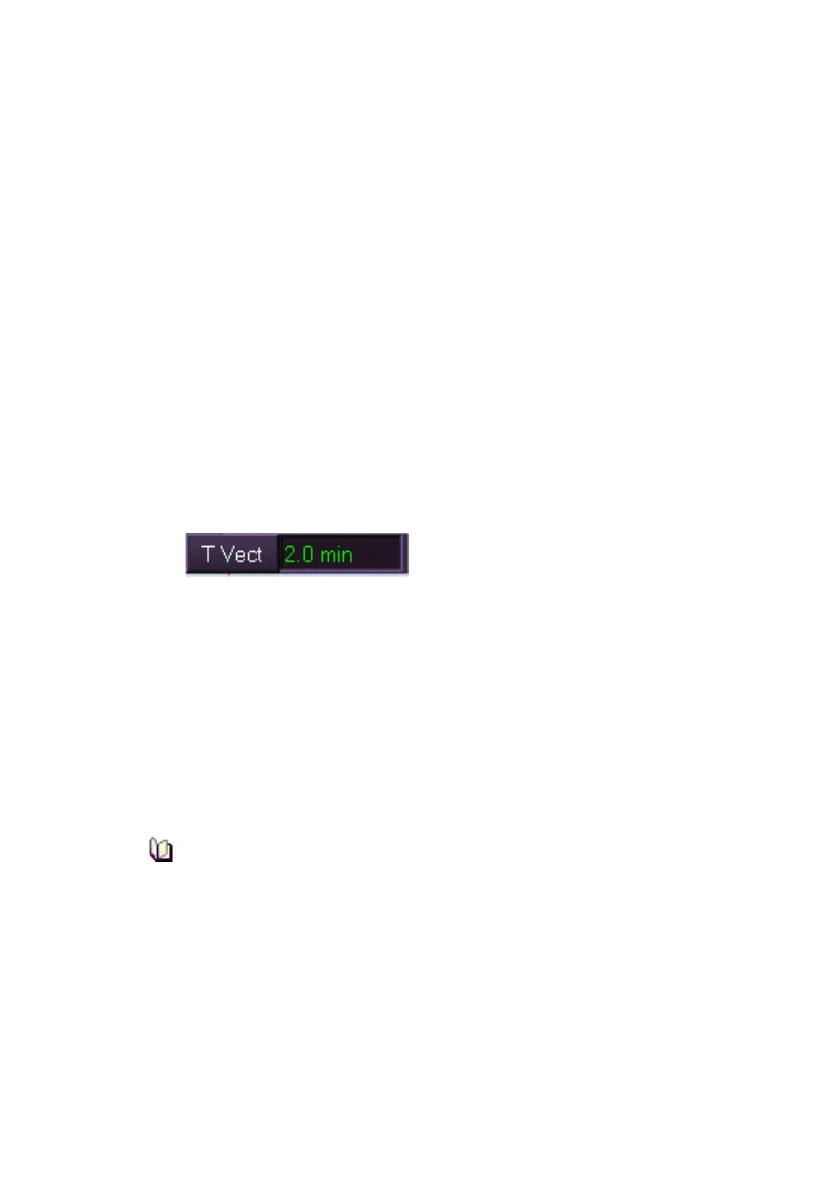
Vector Time
The Vector Time selected will determine the length of the vectors shown on
the radar display. The length of a vector represents the distance the ship or
target will travel in the vector time. For example:
Vector Time 5 minutes
Speed (of ship or target) 12kn
Length of vector 1NM
The optimum vector time will depend upon the range scale that is in use.
Extending the vector time will help you predict the closest point of approach
(CPA) of targets to own ship and other targets.
To change Vector Time, do the following:
Either:
1. Position the screen cursor over the vector time field.
2. Left click to edit. The text becomes green (editable).
3. Move the trackball left to decrease or right to increase the time.
4. Left click to accept the re-entered time.
Or:
1. Right click over the vector time field. The numeric keypad appears.
2. Enter the revised vector time field using the keypad's numeric keys.
If a value entered is incorrect press the Back key. With the required
values enter click the OK key.
3. The keypad is removed from the screen and the revised value is
entered at the vector time field.
Extending the vector time lets you visually check on CPAs of
targets by projecting their movements further into the future.



 To Next Page