System ECDIS-E User Guide
13-2 65934012
User Profiles
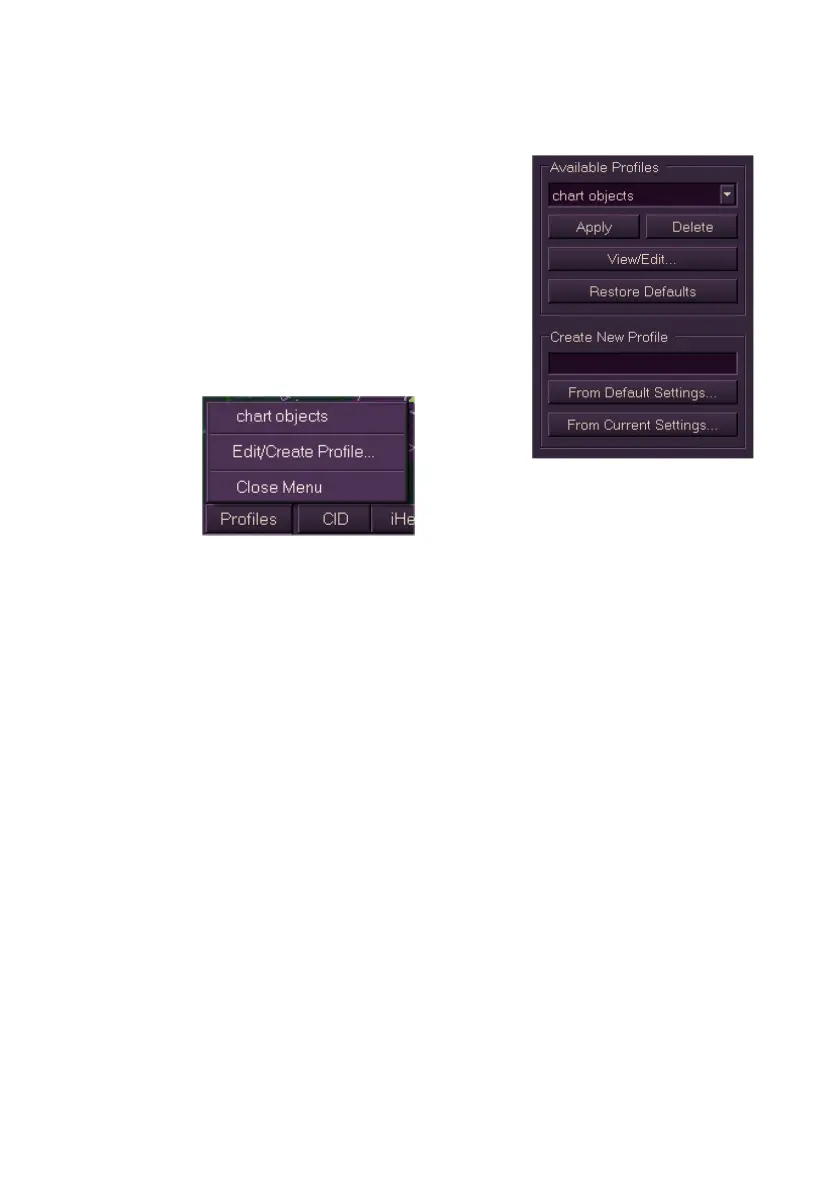
The User Profiles submenu enables you to create,
delete, apply, save, view and update profiles that
contain node specific chart, route, and other
display settings. Saved profiles are maintained by
the system and are available after a system
restart.
In addition to the System menu the User Profiles
sub menu can be can be accessed by left clicking
on the Profiles button in the lower toolbar area
and selecting Edit/Create Profile.
Previously created and saved profiles can be selected in the Available
Profiles selection drop down list. If no profiles have been created this field
is blank.
If no new user profiles have been created the Apply, Delete and View/Edit
buttons are greyed out.
New profiles can be created either from the currently active display settings
or from the default system settings. A profile name must be entered in the
Create New Profile field prior to creating a new profile.



 To Next Page