ECDIS-E User Guide Electronic Range and Bearing Lines
65934012 10-3
Changing the ERBL Bearing
Bearings may be true (T) or relative (R). When T is selected the bearing
value shown is always true with regard to North. When R is selected the
bearing value is shown relative to own ship’s heading, e.g. default EBL 1
will be 5.0
o
starboard of own ship.
There are three ways of changing an ERBL bearing.
To change the ERBL bearing do the following:
To manually change the bearing angle:
1. Position cursor over the ERBL, and it changes to
2. Left click on any point of the ERBL and hold the key down.
3. Move trackball left or right to change bearing. The readout changes
in the EBL field and the reciprocal bearing automatically changes.
4. With the bearing correctly set release the left key to accept.
To change the bearing from the readout:
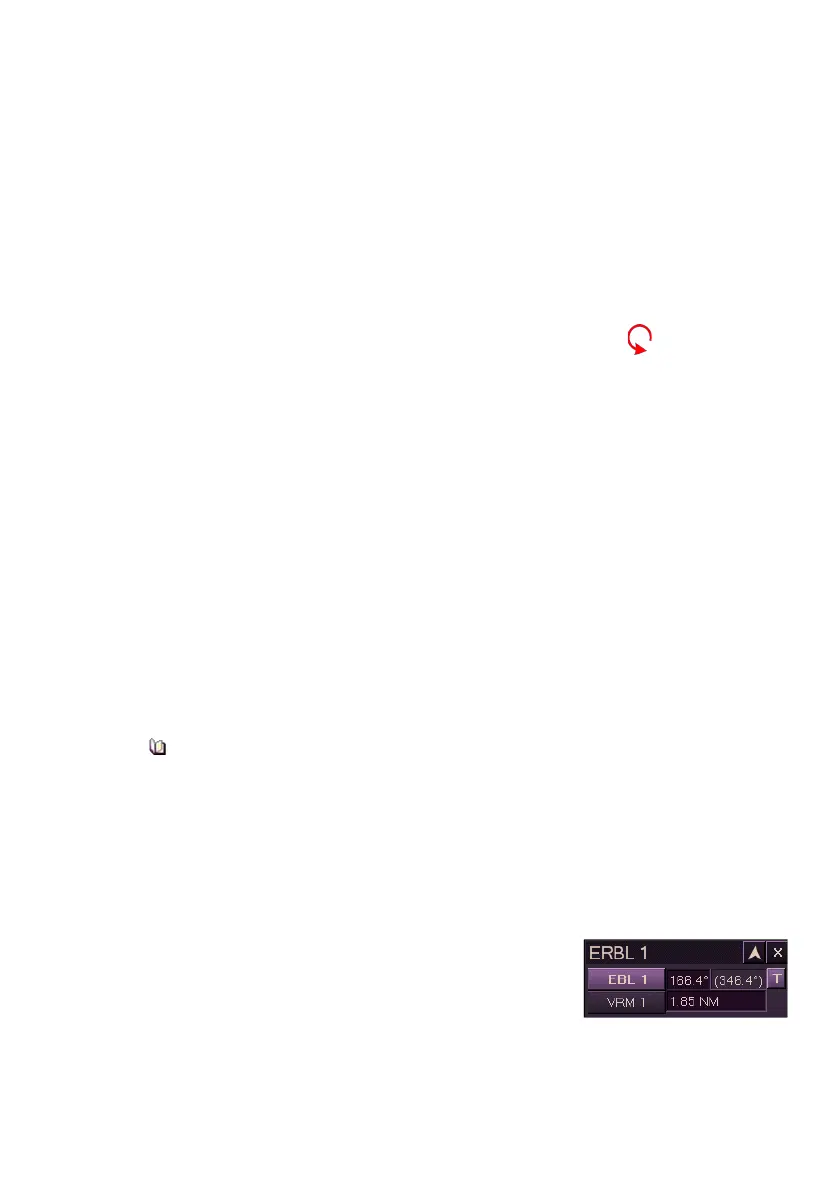
1. Left click in the EBL readout field. The readout text becomes
editable (green).
2. Move the trackball left or right until the required readout is
displayed.
3. Left click to accept new readout and exit edit mode.
To change the bearing from the Control Panel:
1. Turn the ERBL rotary control clockwise to increase the bearing
angle or anti-clockwise to decrease the bearing angle.
If both ERBLs are switched off, turning the EBL rotary will
automatically switch on EBL1. If EBL1 is switched off but EBL2 is
on then turning the rotary will adjust the EBL2 bearing.
Changing the ERBL range
To change the ERBL range do the following:
1. Left click in the VRM readout field. The readout text becomes
editable (green).
2. Move trackball left or right until the
required readout is displayed. As the
trackball is moved the VRM intersection
line moves up or down the EBL.
3. Left click to accept new readout and exit edit mode.



 To Next Page