ECDIS-E User Guide Basic Operation of ECDIS-E
65934012 3-3
Own Ship Symbols
There are three types of symbol that may be used to display own ship’s
position and heading:
• Circle Symbol
• Outline Symbol
• Custom Symbol
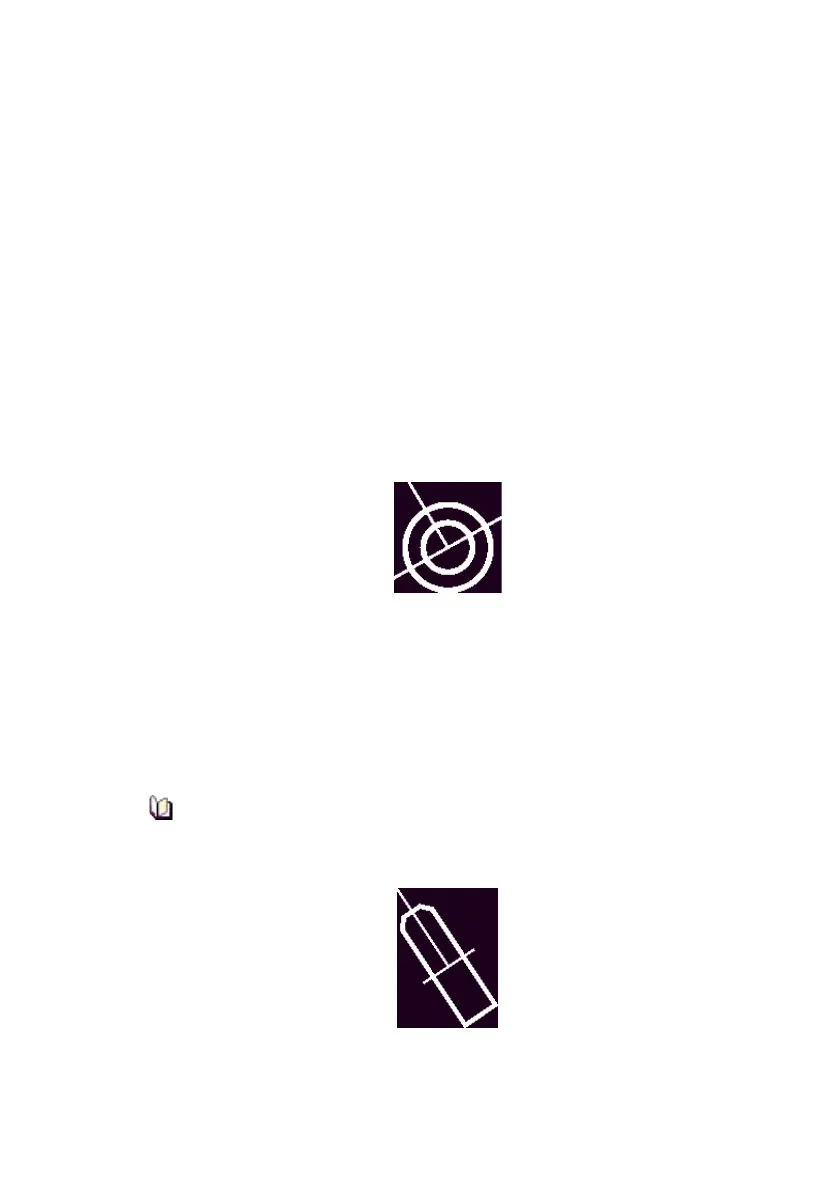
Circle Symbol
The circle symbol is drawn where the scaled outline symbol cannot be
resolved at the given range scale. The symbol has a 6mm diameter for the
outer circle and a 3mm diameter for the inner circle, in addition to the
heading line and beam line. The circle symbol is displayed in white in all
day/night modes apart from Day Bright, when the symbol is displayed in
black.
Outline Symbol
This symbol represents a true scale outline of own ship based on the
configured length and beam of the ship. The outline symbol is displayed
when Default Symbol is selected in Ownship Display Settings and the
beam of the ship is larger than 3mm on the display.
The outline symbol is displayed in addition to own ship minimised symbol
(heading line and beam line).
The position of the minimised symbol with regard to own ship's
outline symbol is dependent on any CCRP location offsets applied
at commissioning.



 To Next Page