ECDIS-E User Guide Navigation Tools
65934012 5-35
Display Settings Features
Display Settings
The Display Settings menu includes the following tab folders:
Ownship
Grid
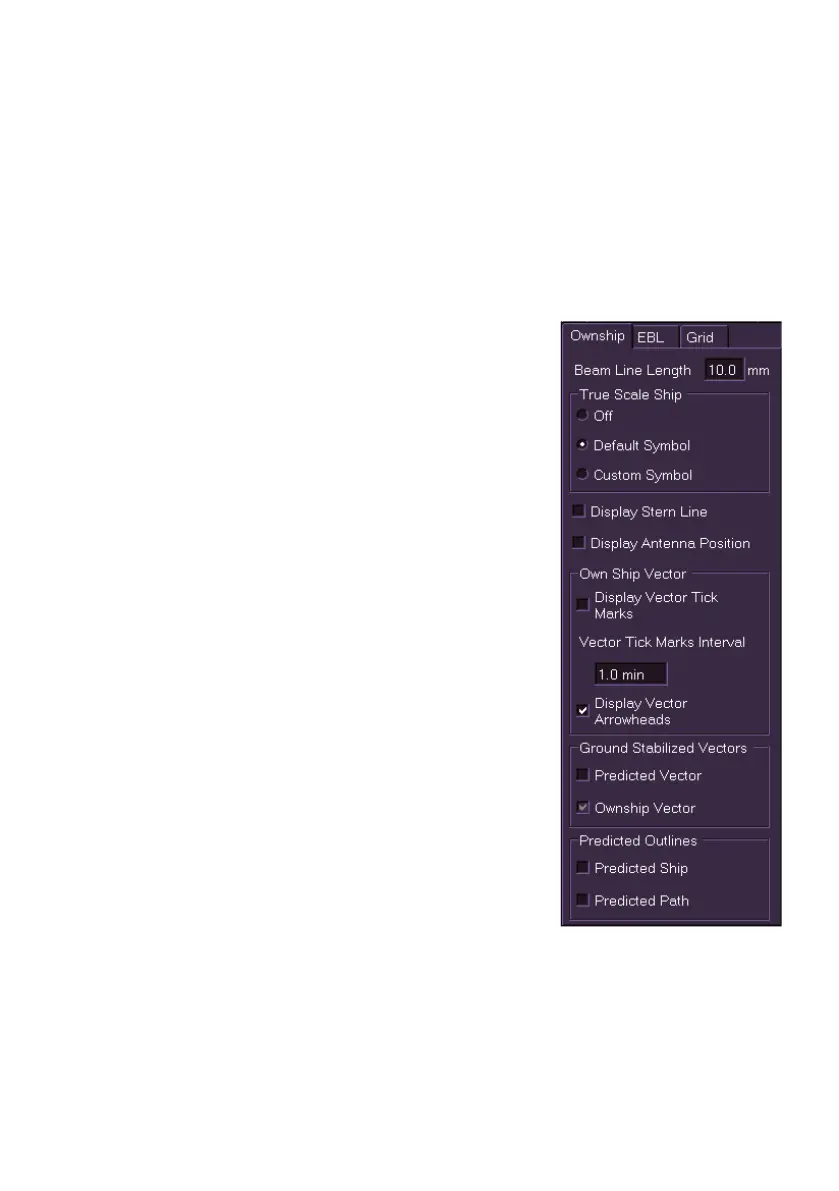
Ownship
The Ownship tab folder enables the display of
synthetics data for own ship to be controlled. The
folder includes the following options:
Beam Line Length adjustment
True Scale Ship - own ship display
settings including:
Off
Default Symbol
Custom Symbol
Stern Line
Antenna Position
Own ship vector settings, including:
Vector tick marks display
Vector tick marks interval time
Vector arrowheads display
Ground Stabilized Vectors, including:
Predicted Vector display
Ownship Vector display
Predicted Outlines, including:
Predicted Ship display
Predicted Path display



 To Next Page