Charts ECDIS-E User Guide
4-2 65934012
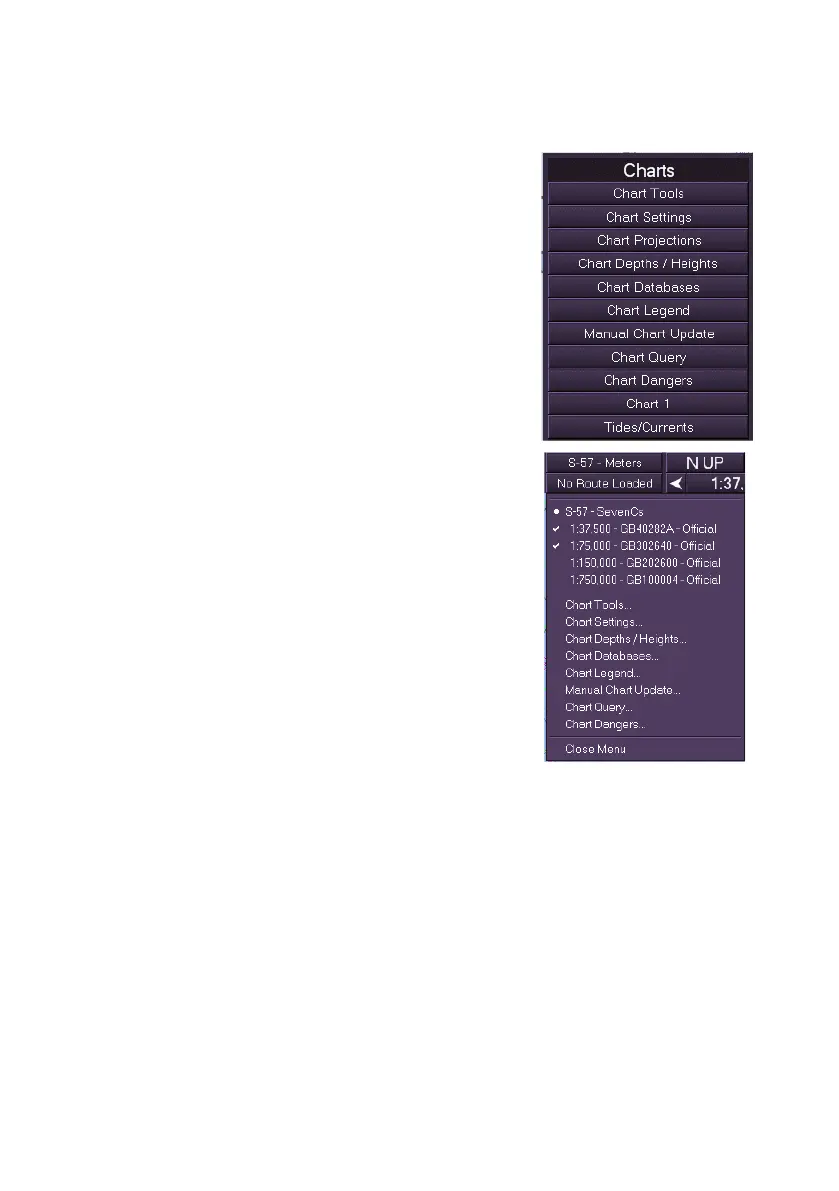
Accessing Charts Menus
You can access the charts sub-menus in one of
two ways:
1. Left click on the Charts button in the main
menu list to display the sub menu options;
Or:
2. Click on the Chart button in the upper
toolbar (see Chart Database & Sub Menu
Selection). The Chart button identifies the
currently loaded chart database type (e.g.
C-Map or S-57- SevenCs) and the chart
depth units used (i.e. metres).
3. From the drop down list select the chart
sub-menu required, which will appear as a
movable window on the display.



 To Next Page